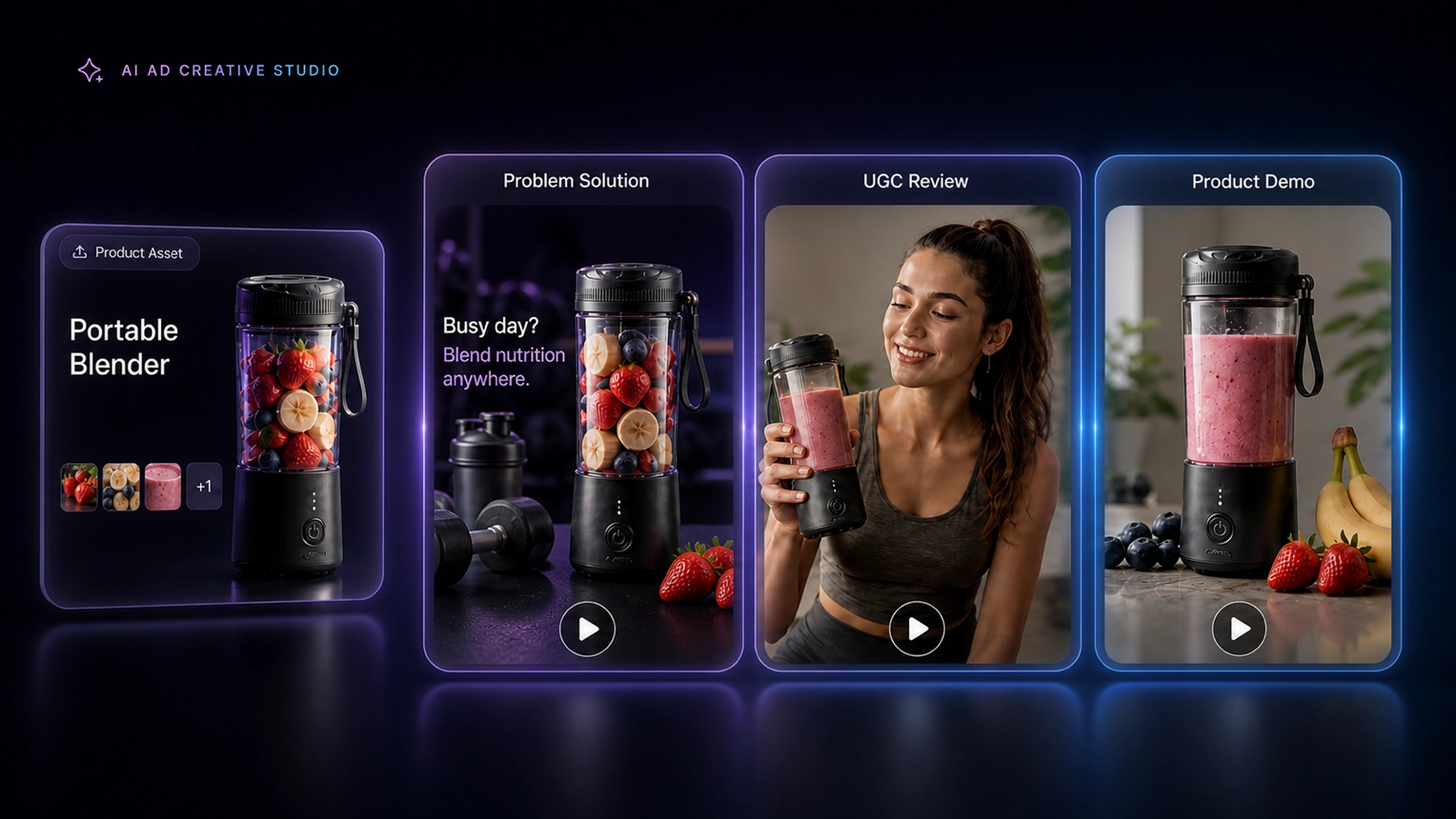
01 · INPUT
Start with one product
Product Assets
Upload product images, videos, and brand information.
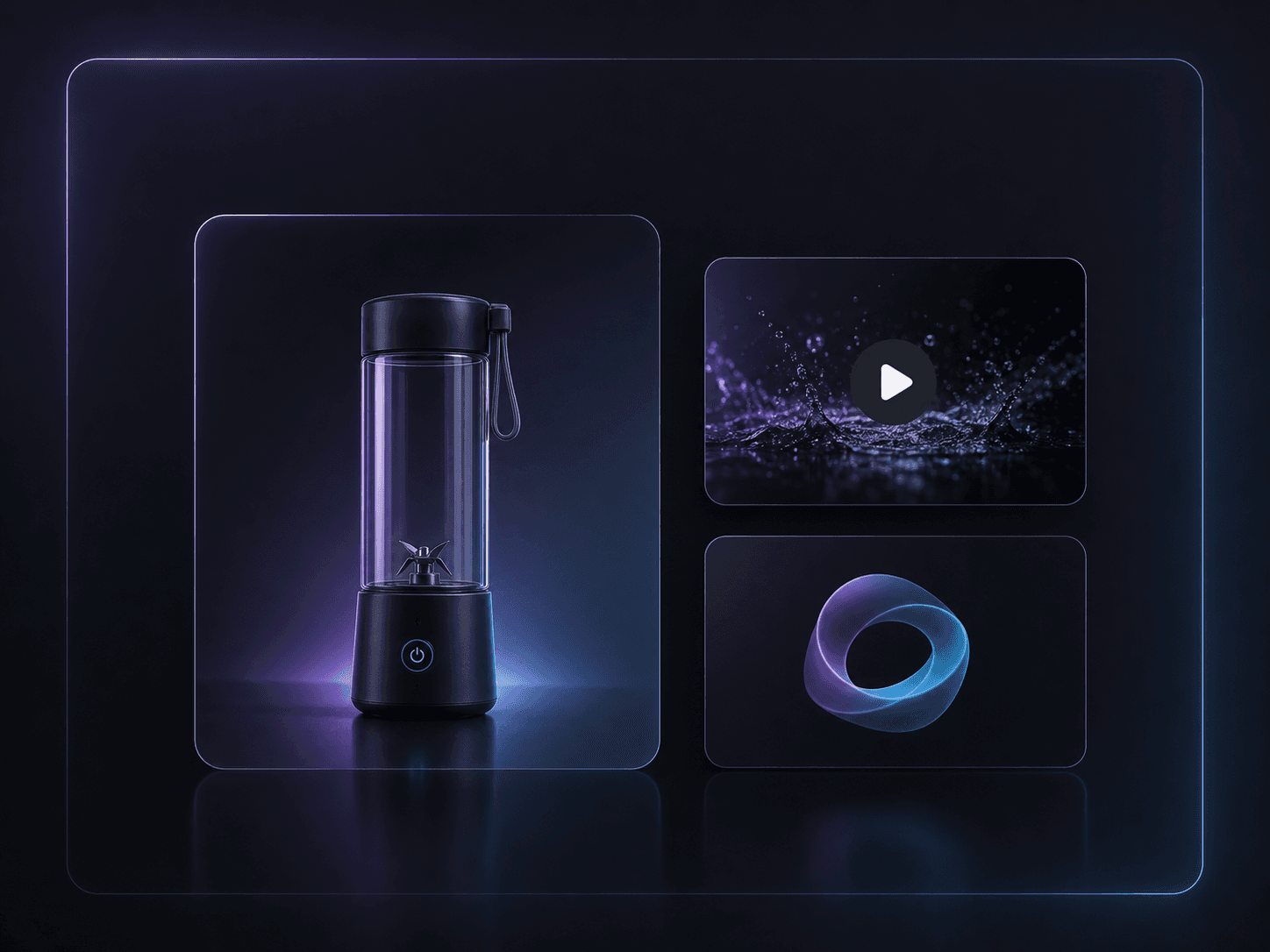
Assets selected
Explore creative angles, shape AI ad scripts, and create video variations from the product assets you already have. See the AI video ad generator.
Product-assets-first workflow
Angles, scripts, and variations you can review before production
WORKFLOW
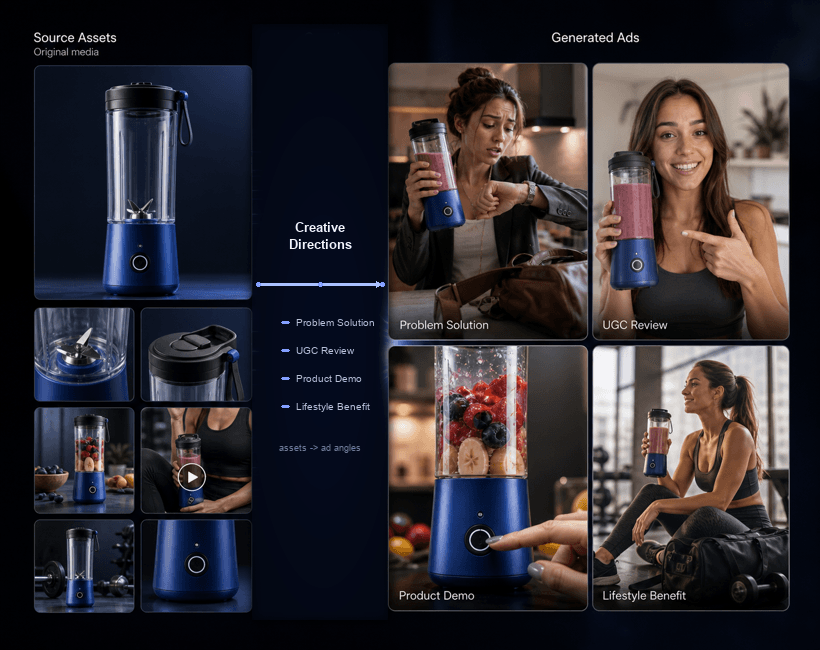
Sprokl transforms product assets into ready-to-test ecommerce ad creatives with AI-generated angles, scripts, and video variations.
Start with one product
Upload product images, videos, and brand information.
Explore hooks, audiences, and messaging directions from one product to uncover stronger creative angles.
Turn strong angles into multiple hooks and story frameworks for faster ad iteration.
Build production-ready ad concepts across formats, ready to compare and test.
Ready to validate
Test more creative concepts and identify stronger ad directions.
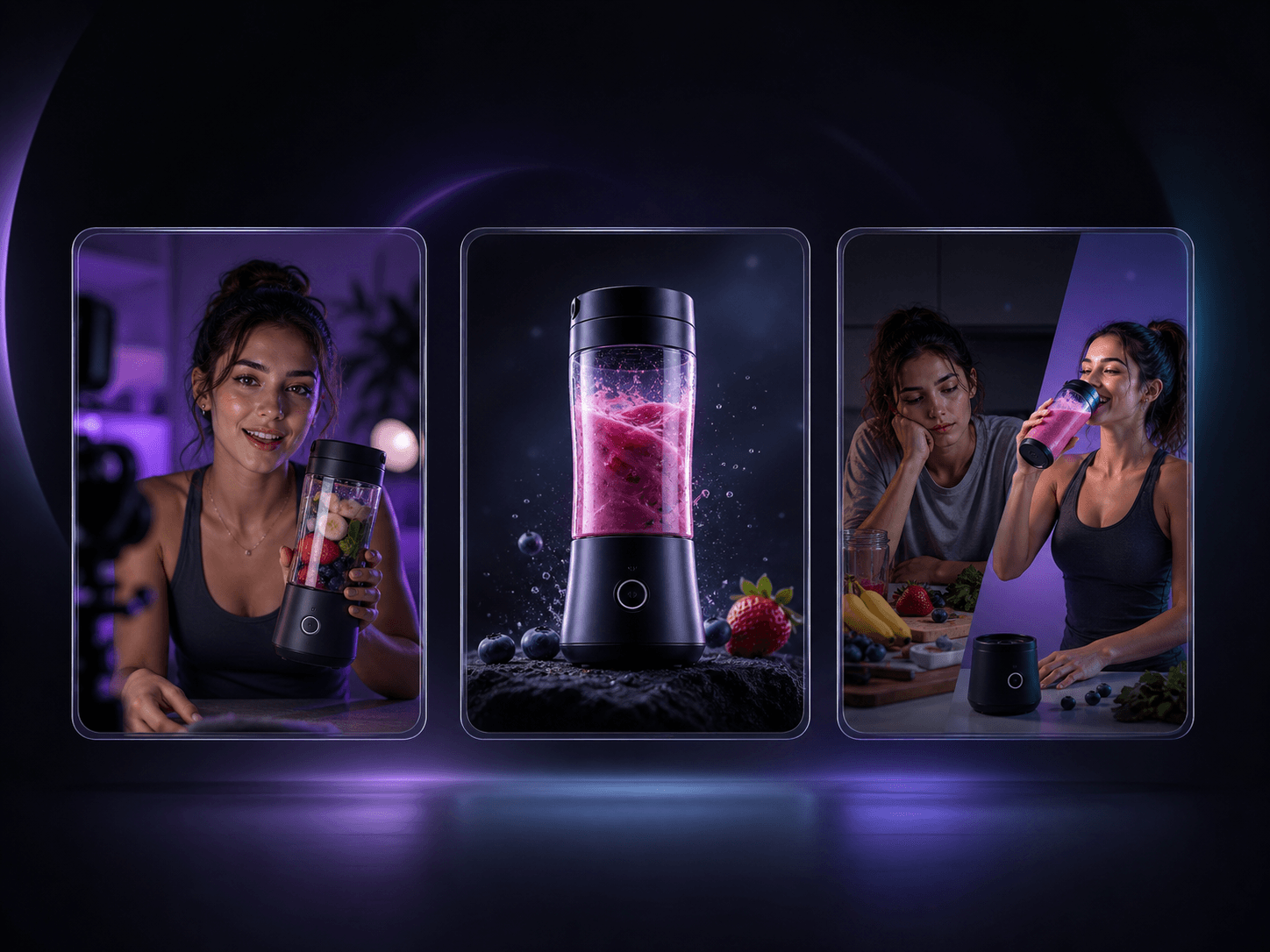
CREATIVE FATIGUE
Fresh hooks and angles are hard to create consistently.
PRODUCTION BOTTLENECK
Manual production slows down testing cycles.
CREATIVE TESTING
A repeatable workflow helps teams prepare more meaningful variations for testing.
THE SPROKL WORKFLOW
Sprokl connects the thinking and making behind ads—so each product asset can move from creative angle to script to video variation, with your team reviewing the important decisions along the way.
Start with sharper hooks, audiences, and messaging directions for the product in front of you.
Turn the strongest angles into ecommerce-ready hooks, scripts, and story frameworks.
Create multiple ad cuts from the product assets you already have, ready for comparison.
WHO IT’S FOR
Built for teams turning product assets into paid social tests.
ONE PRODUCT, MANY DIRECTIONS
Sprokl turns one source asset into a set of creative directions your team can see, shape, and compare.
Bring one product asset into the workflow.
Explore the story, audience, and hook that fit.
Leave with a set of creatives ready to test.
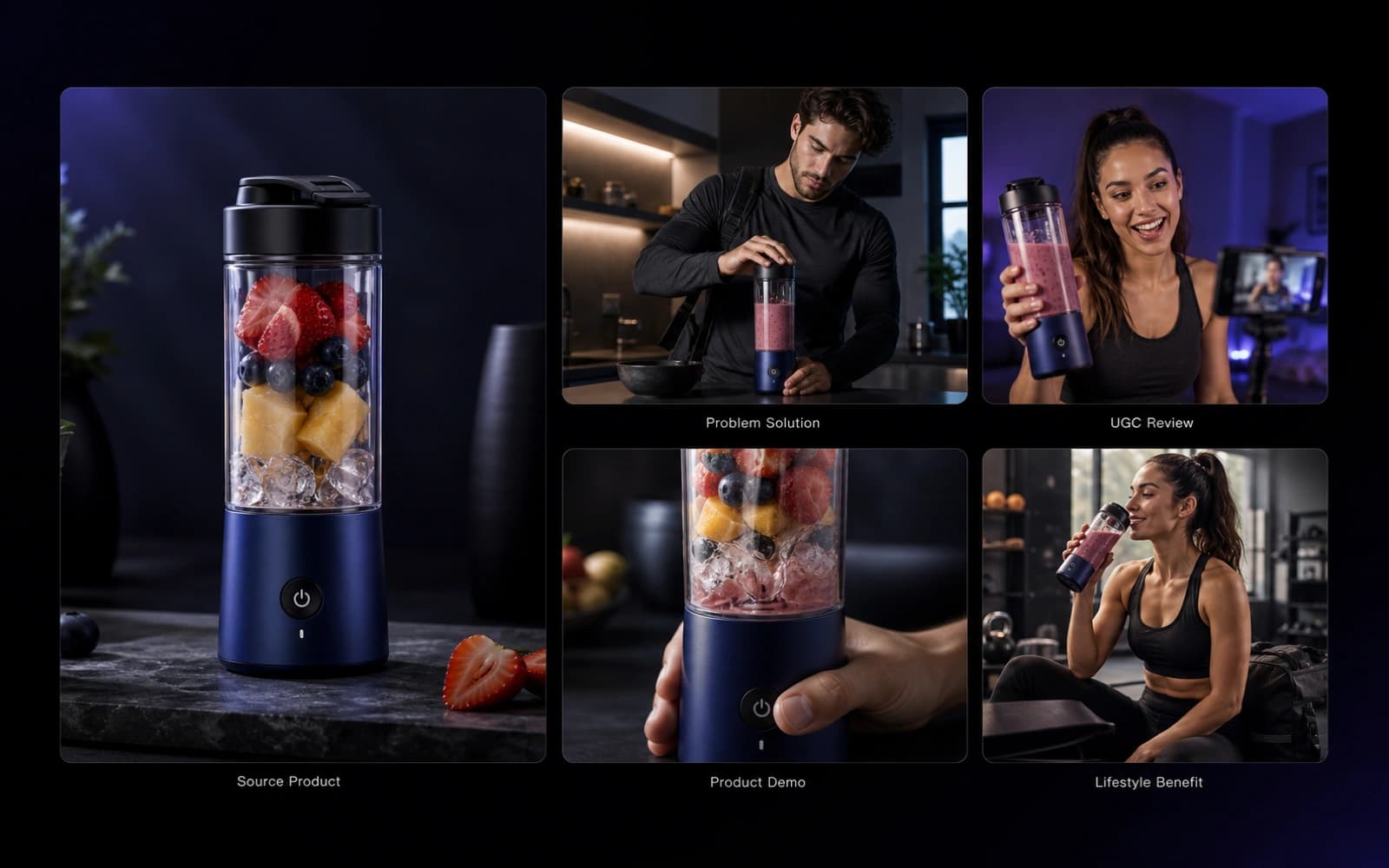
Create more considered creative directions and prepare them for testing without rebuilding every ad from scratch.
Turn product assets into multiple creative directions, scripts, and video variations your team can review and compare before testing.
Start with the images, videos, and product information you already have.
Review creative angles and scripts before turning a direction into a video.
Create meaningful variations your team can compare and prepare for testing.
AROUND THE WEB
Featured by AI & SaaS communities.
PRICING
Start small, then scale into a workflow that supports more creative directions, refreshes, and test-ready variations.
Test the ecommerce creative workflow before adding it to your production process.
Best for ecommerce teams creating more scripts, video variations, and creative tests every week.
For teams scaling creative testing across more products, campaigns, and ecommerce ad workflows.
Video count varies by selected duration.
FAQ
Learn how Sprokl helps ecommerce teams create, review, and prepare ad creatives for testing.
Sprokl helps ecommerce teams turn product assets into creative angles, scripts, video variations, and testing workflows.
Sprokl focuses on ecommerce ad creative workflows, helping brands explore messaging, scripts, and variations before production.
Yes. Sprokl helps create multiple creative directions and video variations from existing product assets.
Sprokl helps ecommerce teams prepare multiple creative directions and video variations for testing. It supports creative production; it does not measure campaign performance or identify a winning ad.
Yes. Sprokl is a human-reviewed workflow: you can review creative angles, scripts, and generated variations before selecting what to take into production.
No. Sprokl creates and organizes ad creatives for testing. It does not measure campaign performance, detect winners, or automatically optimize campaigns.
Start Creating
Turn one product into multiple ad creatives ready for testing.