Ecommerce Marketing·Sep 9, 2026
Make product videos more engaging without an expensive setup by prioritizing the buyer question, product clarity, sound, and repeatable creative decisions.
By Sprokl Team
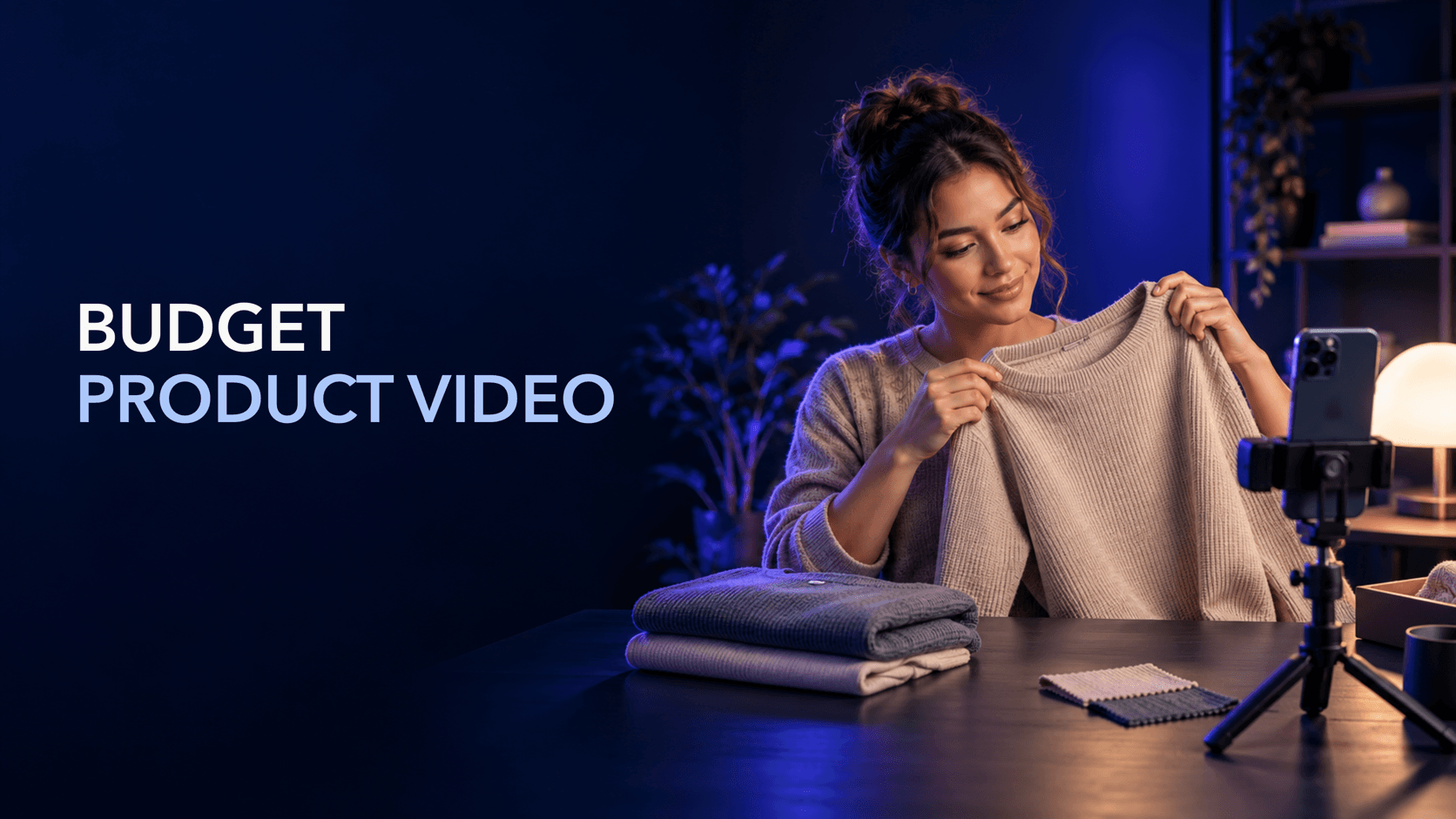
You do not need a large studio to make an engaging product video. You need a clear buyer question, a product the viewer can understand, and a production plan that spends effort where it will be visible.
The cheapest workflow is not “use the cheapest gear and hope the edit works.” It is reducing avoidable decisions: fewer setups, a smaller shot list, repeatable lighting, clear audio, and several purposeful versions from the same shoot. That approach can make production easier to repeat without promising a particular sales or ad-performance outcome.
This guide focuses on lean production decisions for ecommerce teams. It is about how to make engaging product videos cheaply, not a library of product video templates, a broad guide to product video advertising, or a collection of product video examples.
Engagement starts with relevance. A viewer should quickly recognize one of three things:
That clarity matters more than decorative production. A product video can be simple and still hold attention when the opening, demonstration, and next step are easy to follow. Conversely, an expensive-looking video can feel slow when it takes too long to show the product or makes the viewer decode the message.
Use this simple test before filming: “After the first few seconds, what should the viewer understand?” Write one answer. That answer becomes the creative job of the video.
Budget production becomes expensive when the team buys equipment before deciding what it needs to show. Start with a buyer question such as:
Choose one question for one video. A video that tries to answer every question usually needs more scenes, more copy, and more editing. Narrowing the brief gives you a smaller shoot and a clearer message.
Write a one-sentence brief:
For [audience or situation], show [product action or detail] so the viewer can understand [specific benefit or decision point].
Keep the benefit factual. If the product solves a problem only in a particular context, show that context instead of making a universal promise.
Start with what you already have. A phone, a stable surface or small tripod, a quiet room, a window, and a simple background can be enough for an initial product video. You can add equipment after the footage shows a real limitation.
The minimum setup has four jobs:
YouTube’s mobile filming guidance recommends practical basics such as using the rear camera when possible, locking focus and exposure, and placing the phone near a window for natural light. Those are useful starting points because they improve consistency without adding a large equipment bill.
Do not purchase a camera to solve a messaging problem. If the viewer cannot tell what the product is doing, a more expensive camera will not decide the story for you.
When money is limited, prioritize the things that affect comprehension.
Soft, even light makes it easier to see shape and material. A window can work as a large soft source. Move the product closer or farther from it until the important surface is visible, then lock the setup.
Avoid placing the product directly in front of a bright window if that turns it into a silhouette. A white card, foam board, or pale wall can bounce light back into a shadowed side. If the product is reflective, move the light or change the angle rather than adding more lights.
Poor sound makes a simple video feel unfinished and can make the viewer miss the explanation. Record in the quietest practical space. Move the speaker closer to the phone, turn off noisy appliances, and record a short test before the full take.
If the location is noisy, record a clean voice-over separately or let captions carry the essential information. Do not use music to hide speech that cannot be understood.
A tripod is useful, but a stable stack of books can also keep a phone still for a product close-up. The goal is not a particular piece of gear; it is a repeatable angle. Mark the camera and product positions so you can recreate the shot for another variation.
Check the first frame at the size a viewer will actually see. If the product blends into the background, adjust contrast, distance, or lighting before filming more angles. Clear product visibility is more valuable than a complicated background.
A lean shot list should describe the information each shot contributes. For a first product video, try five to seven shots:
You may not need all seven. Remove any shot that repeats the same information. Before recording, write the intended order and the claim limitation for each shot. If you cannot show or support a statement, change the statement rather than trying to disguise the gap with fast editing.
The cheapest shoot is one you can reuse. Once the primary setup is working, capture a small set of alternatives:
This does not mean filming everything. It means capturing options that solve common edit problems without requiring another setup. YouTube’s filming guidance also recommends planning shots and consolidating work such as bulk filming when it saves time.
Name files while the context is fresh. A simple convention such as product__action__close__take-02 is enough. Store the source, permissions, and limitations with the footage. Clear lineage saves time when a reviewer asks where a claim or clip came from.
An engaging edit usually has a readable sequence rather than a high number of effects. Start with the shot that makes the viewer’s question visible. Remove pauses that do not add meaning. Keep the product action on screen long enough to understand it.
Use text overlays to clarify, not to create a second script. Keep captions inside the safe area for the intended placement. If the product has a technical feature, show the feature before naming it. If the benefit depends on a condition, state the condition.
For short-form placements, vertical framing is often the practical starting point. TikTok for Business recommends a hook, body, and close structure, with mobile-first framing, sound, and a clear CTA. Treat those recommendations as production checks, not guarantees. A format can be technically correct and still fail to answer the viewer’s question.
You can learn more from three intentional edits than from ten random exports. Make a small variation set from the same source footage:
| Version | Primary change | What stays stable |
|---|---|---|
| Problem-led | Open with the buyer situation | Demonstration, proof, and CTA |
| Demonstration-led | Open with the product action | Message and product facts |
| Detail-led | Open with the feature or material detail | Context and CTA |
| Objection-led | Open with a supported hesitation | Source proof and format |
Change one major variable first: the hook, proof order, pacing, crop, voice-over, or CTA. Record what changed in the version name. If you change every element at once, you may get a fresh creative, but you will have less clarity about what the team learned.
Use platform or storefront requirements as a final export check. For example, Shopify documents supported product-media formats and upload limits; TikTok documents vertical framing, resolution, safe zones, and sound guidance. Validate the current requirements for the destination before delivery because technical specifications can change.
Run four short review passes:
Does every spoken line, caption, and visual implication match approved product information? Do not let editing imply a result the footage does not demonstrate.
Can someone understand the product, use case, and next step without a private explanation from the production team?
Is the audio understandable? Are captions readable? Does the crop preserve the product and any needed proof? Is the contrast sufficient on a small screen?
Are people, music, locations, logos, and third-party assets cleared for the intended use? Does the export meet the destination’s format, dimensions, duration, and file-size requirements?
This review is part of a cheap workflow because fixing an inaccurate claim or unusable export after launch is more expensive than checking it before delivery.
Sprokl can support the concept and production side of this process. Teams can use product assets and brand information to generate creative angles, hooks, ad scripts, messaging frameworks, and video-ad variations for review.
For example, creative angles can help turn one buyer question into several possible framings. AI ad scripts can help translate a selected angle into scenes, spoken lines, or captions. Video variations can support a controlled set of alternative openings, proof sequences, or CTAs. The ecommerce ads use case places that work in a broader production context.
Sprokl supports creative production. It does not replace product accuracy checks, brand judgment, claims review, campaign setup, or interpretation of performance data.
Making engaging product videos cheaply is mostly an exercise in prioritization. Start with the buyer question, use the equipment already available, spend effort on light, sound, stability, and product visibility, then capture a small set of reusable options. Edit for a clear hook, useful proof, and a natural next step. Finally, create a few controlled variations and review every claim before delivery.
That system keeps the budget focused on comprehension and makes the next video easier to produce. It does not promise a particular result; it gives the team a repeatable way to make, review, and learn from product-video creative.
Keep exploring
Make the next creative move
Build, test, and iterate on ecommerce ad creatives faster with AI-powered concepts, scripts, and variations.