Ecommerce Marketing·Sep 9, 2026
Turn one product video into several purposeful ecommerce ad variations by changing the creative job, not just the export.
By Sprokl Team
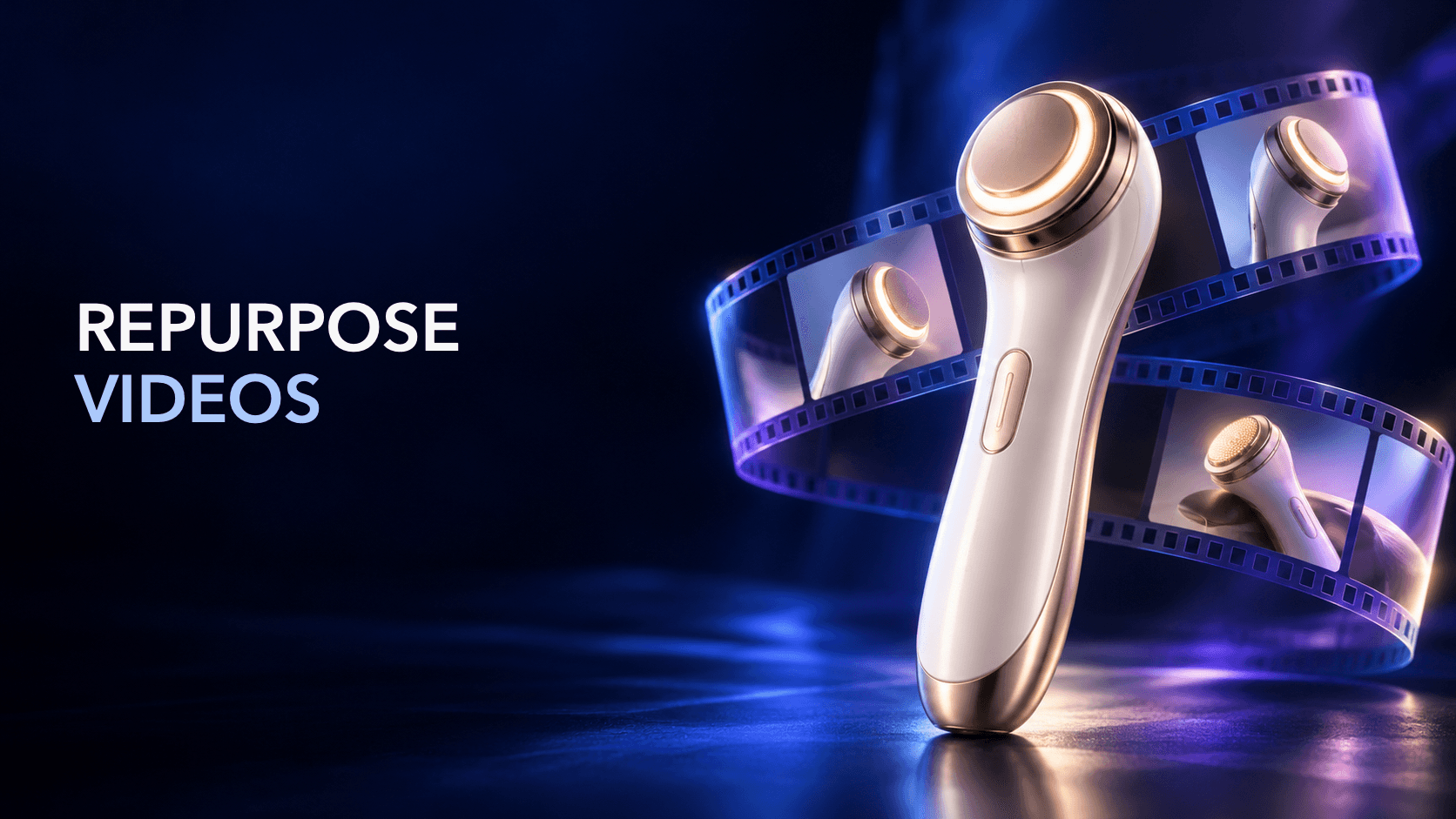
If you already have product footage, you may not need another full shoot for every ad idea. You can repurpose product videos by giving the same source material a different creative job: a new buyer problem, opening hook, proof sequence, crop, pacing, voice-over, caption treatment, or CTA.
The important distinction is between a new version and a duplicate export. A duplicate changes a file. A useful repurposed ad changes what the viewer is being helped to understand while preserving accurate product information.
This guide shows how to turn one source video into a small set of intentional ecommerce ad variations. It focuses on creative production and review, not bidding, targeting, or guaranteed campaign performance.
Repurposing means selecting parts of an existing product video and recombining them for a new context or creative hypothesis. The source can include product demonstrations, lifestyle footage, close-ups, customer language, packaging, screen recordings, or existing voice-over.
The new version should answer at least one of these questions differently:
Changing only the file size or adding a new end card may be necessary for delivery, but it is not the same as developing a new creative variation.
Start with an asset audit rather than opening a blank timeline. Create a simple shot list with the timecode, subject, product detail, possible use, and limitations for each usable segment.
Check:
The audit also reveals gaps. If the source never shows the product detail needed to answer a buyer question, do not imply that a crop or caption can create proof that is not present.
Repurposing becomes easier to learn from when each version has a clear reason to exist. Choose one primary variable, then keep as many supporting elements stable as practical.
Useful variables include:
| Variable | What changes | What can stay stable |
|---|---|---|
| Hook | Opening shot, first line, or first caption | Product proof and CTA |
| Angle | Problem-led, use-case-led, comparison, or demonstration framing | Source footage and offer |
| Proof order | Move the clearest demonstration earlier | Main message and product facts |
| Pacing | Shorten pauses, change shot duration, or build a faster sequence | Hook and claim language |
| Crop | Reframe a useful detail for vertical, square, or landscape | Scene meaning and product identity |
| Voice and captions | New narration, captions, or language adaptation | Visual proof |
| CTA | Change the next action to match intent | Product explanation and evidence |
Avoid changing the hook, offer, landing page, format, and message simultaneously if your goal is to learn which creative decision mattered. A multi-variable redesign can still be useful, but record it as a new concept rather than a controlled comparison.
You do not need five completely different edits. You need five clear reasons a viewer might prefer one opening or explanation over another.
Open with the situation the buyer recognizes. Use the source clip that makes the friction visible, then introduce the product as the mechanism that helps address it. Keep the claim narrow and show the relevant action as soon as possible.
Start with the product doing the thing the viewer needs to understand. This version is useful when the product's value is easier to grasp through motion than through a feature list. Follow the action with only the context needed to interpret it.
Use the opening to address a real hesitation: setup, fit, compatibility, material, workflow, or another question supported by the source footage. Do not manufacture an objection that the product information cannot answer.
Reorder clips around one specific moment of use, such as a commute, desk setup, packing routine, or creator workflow. A focused use case usually gives the edit a clearer narrative than trying to show every possible audience.
Place the strongest visible evidence early: a close-up, before-and-after state, working demonstration, customer quote with permission, or product detail. Keep the proof descriptive. It should help the viewer verify the message, not imply an unsupported outcome.
For each version, save a short concept card: audience situation, opening, core message, proof, limitation, format, CTA, source clips, and version ID.
Message decisions come first; delivery requirements come next. A vertical edit may need a different crop and caption position from a square or landscape version. Platform guidance commonly emphasizes early product visibility, readable text, mobile framing, and a clear close, but those recommendations are directional rather than promises of performance.
Before exporting, check:
Make platform-specific exports from a controlled master when possible. That keeps the creative decision visible while allowing the presentation to fit the placement.
Use a version ID that explains what changed, such as:
shoe__problem-hook__vertical__v02
The ID should connect the source footage, concept card, edit, review notes, and delivered export. Avoid filenames such as final-final-2.mp4; they make it difficult to tell whether a change was a factual correction, a new hook, a crop, or a new concept.
Run review in separate passes:
Approval should name the exact version allowed to move forward. “Approved” without a version number is not a reliable delivery record.
After delivery, write the next decision while the edit is still fresh. A useful note includes:
For example: “Keep the product demonstration and CTA stable; compare a problem-led opening with a demonstration-led opening; review the agreed attention and click signals after the defined window; if the result is unclear, produce a third opening that changes only the first beat.”
This does not guarantee that a test isolates one cause. It simply makes the team's reasoning more honest and more reusable.
Sprokl can support the concept and production side of this workflow. Teams can use product assets and brand information to generate creative angles, hooks, ad scripts, messaging frameworks, and video-ad variations for review.
For example, creative angles can help turn one buyer problem into several distinct framings. AI ad scripts can help translate a selected angle into scenes, spoken lines, or captions. Video variations can support a structured set of alternative openings, proof sequences, or CTAs. The ecommerce ads use case places those capabilities in a broader production context.
Sprokl supports creative production; it does not replace product accuracy checks, brand judgment, claims review, campaign setup, or interpretation of performance data. Those gates remain part of the workflow.
Repurposing product videos works when the team reuses evidence, not just pixels. Audit the source, choose a new creative job, change one meaningful variable, adapt the presentation for the placement, review the claims and product truth, and record the next decision. That turns one production asset into a clearer system for producing and learning from ecommerce ads.
Keep exploring
Make the next creative move
Build, test, and iterate on ecommerce ad creatives faster with AI-powered concepts, scripts, and variations.