Ecommerce Marketing·Nov 3, 2026
Learn how video commerce supports ecommerce discovery, consideration, and conversion with product-video jobs, examples, and a practical workflow.
By Sprokl Team
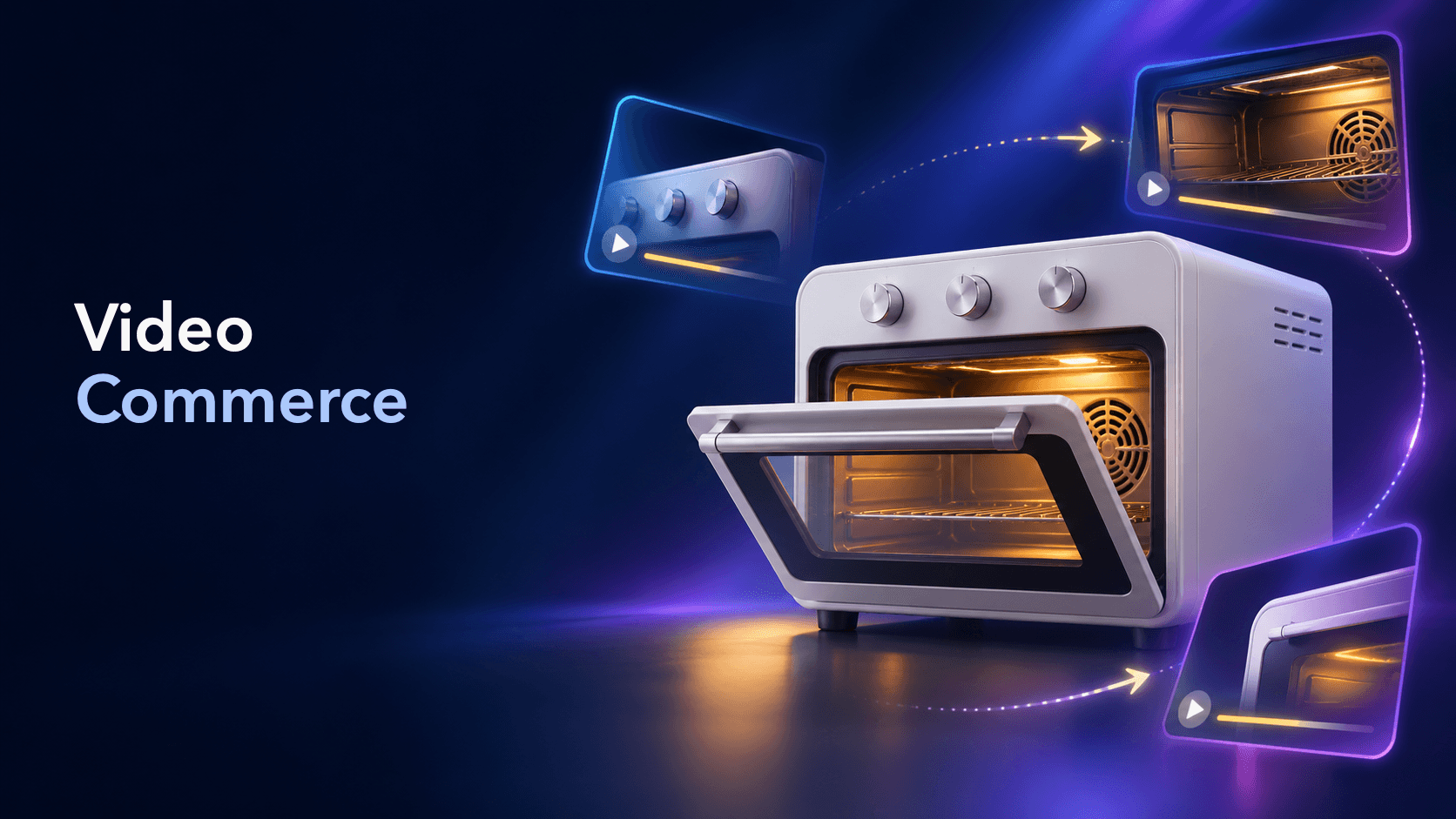
Video commerce is the use of video to help people discover, understand, evaluate, and act on ecommerce products. It can include short-form product videos, demonstrations, explainers, testimonials, comparison videos, product-page video, and shoppable formats.
The useful idea is broader than “add a buy button to a video.” Video commerce works when the video has a clear job in the buying journey and the next step is easy to understand. A discovery video may make a problem or product category familiar. A consideration video may show how a product works. A conversion-oriented video may answer a final objection or connect the viewer to a product page. These are different jobs, even when they use the same source footage.
Video commerce is an ecommerce content system that uses video to support a shopping decision. The video may be embedded on a product page, published in a social feed, used in an ad, placed on a landing page, or connected to an interactive product element.
That definition includes shoppable video, but the two terms are not interchangeable. Shoppable video describes a commerce-connected format with product links, cards, tiles, or other interactive paths. Video commerce describes the wider role video plays before, during, and after that interaction. A useful product demonstration can support commerce even when its CTA sends someone to a product page rather than adding an item directly from the player.
For ecommerce teams, the practical question is not “Which video trend should we use?” It is “What does this viewer need to understand next, and which video can provide that proof?”
At the discovery stage, the viewer may not know the product, category, or brand well. The job is to earn attention and create a clear connection between a situation and a possible solution.
Useful discovery video jobs include:
The goal is not to explain every feature. It is to make the product understandable enough that the viewer knows whether it is relevant. A focused hook and a concrete visual usually help more than a long list of claims.
For creative structure, the product video examples guide maps formats to buyer questions rather than treating every product video as the same asset.
Consideration is where many product videos do their most important work. The shopper may already be interested but still have questions about fit, function, scale, setup, material, use, or differences between options.
Video can make those questions easier to answer by showing what a still image or short description cannot show as quickly. A demo can reveal an action. A comparison can clarify a meaningful difference. A testimonial can provide context about how a customer used the product. An explainer can put a technical feature into a routine.
Choose one primary question for each video. For example:
If a video tries to answer all five, the opening, proof, and CTA often become difficult to follow. A narrower video is easier to review, reuse, and adapt.
The product video advertising article covers the planning and production workflow for product-led ads. This article uses the same creative discipline but places it inside the broader shopping journey.
Near conversion, the viewer may only need one final piece of confidence: a clear demonstration, a specific detail, a relevant proof point, or a direct next step.
Conversion-oriented video should connect the product shown, the message made, and the destination offered. If the video demonstrates one product variant, the destination should make that variant easy to find. If the video raises a question, the landing page should answer it rather than sending the shopper to a generic homepage.
This is also where shoppable video can be useful. Product cards, links, and interactive elements can shorten the path from interest to product information. They do not replace clear creative. The product still needs to be recognizable, the message still needs to be accurate, and the next action still needs to match the viewer’s level of intent.
Format should follow the communication job.
| Buyer question | Useful video format | What to make visible |
|---|---|---|
| “What is this?” | Short product introduction | Product identity, category, and one clear use case |
| “How does it work?” | Product demo or how-to | The action, sequence, and result the product is designed to support |
| “Will it fit my situation?” | Lifestyle or use-case video | Scale, context, routine, and relevant limitations |
| “How is it different?” | Comparison video | Only meaningful, supportable differences |
| “Can I trust this?” | Testimonial or review-led video | Real experience, specific context, and approved proof |
| “What should I do next?” | Product-page or shoppable video | Product match, destination, and one clear CTA |
These formats can share source assets, but they should not be treated as interchangeable exports. A discovery cut may lead with the problem. A product-page cut may lead with the feature. A comparison cut may need more time for evidence. The creative hypothesis changes with the stage.
Use this structure: “This video helps [audience] understand [product or use case] so they can [next step].” Then write the buyer question it answers.
Create an asset map before writing the script. Include product images, existing footage, demonstrations, customer language, specifications, packaging, and approved claims. Mark what is observable, what needs a new shot, and what requires review.
Decide whether the job needs a short vertical cut, a product-page demo, a longer explainer, a comparison, a testimonial, or a commerce-connected version. Start with the viewer’s question, not a platform template.
The first seconds should establish relevance. The middle should show the product or evidence that answers the question. The ending should give one natural next step. Captions, framing, sound, and pacing should support comprehension rather than compete with the product.
Check where the video will appear: product page, landing page, social feed, ad placement, or interactive player. Account for aspect ratio, caption-safe areas, product cards, controls, and the destination page. A video can be strong in isolation and still fail when its environment hides the key detail.
Before delivery, confirm that the product in the video matches the product data and destination. Review the script, on-screen text, subtitles, claims, price references, product variants, and CTA. Sprokl can help teams turn product assets and brand information into creative angles, hooks, scripts, messaging frameworks, and multiple video-ad variations; every output still needs product, brand, legal, and creative review.
Do not evaluate “the video” as one undifferentiated object. Note what changed: hook, opening visual, proof order, message, length, CTA, placement, or product variant. This turns a video commerce program into a learning loop instead of a sequence of one-off assets. The ecommerce video marketing workflow shows how to organize that operating system across production and iteration.
No. Shoppable video is one video-commerce format with an attached commerce interaction. Video commerce is the broader use of video to support product discovery, evaluation, and action.
No. Interactivity can shorten a purchase path, but a useful demonstration, comparison, or explainer may be the right asset even when the viewer clicks through separately. Match the format to the question and stage.
Use the placement that supports its job. Discovery cuts may work in feeds or ads; demos may belong on product pages; comparisons may need a focused landing page; commerce-connected versions need a clear product destination. Test the video in its actual context.
AI can help teams explore creative directions, scripts, hooks, and variations from product inputs. It cannot replace product knowledge, brand judgment, legal review, or the decision about which buyer question matters most.
Video commerce is best understood as a way to connect video work to shopping decisions. Start with the buyer stage and question, choose a format that can answer it, show the product with supportable proof, and make the next step clear. Then review the handoff across the video, product data, placement, and destination. When the team records what changed and what it learned, product videos become a reusable system for ecommerce creative rather than isolated content pieces.
Keep exploring
Make the next creative move
Build, test, and iterate on ecommerce ad creatives faster with AI-powered concepts, scripts, and variations.