Ecommerce Marketing·Sep 18, 2026
Use an ad storyboard to plan the visual order, timing, product placement, and transitions of an ecommerce video ad before the camera starts rolling.
By Sprokl Team
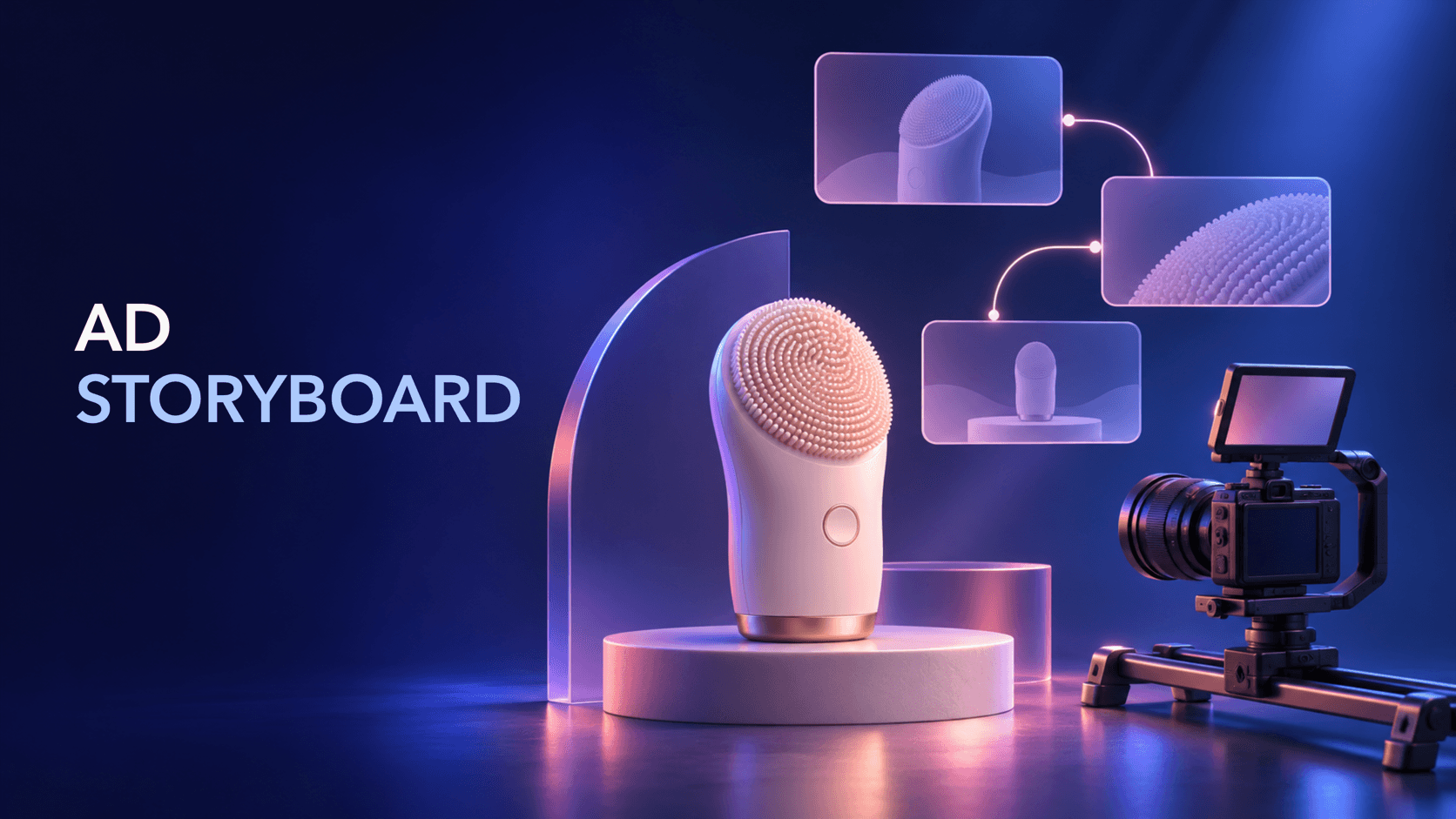
An ad storyboard is a visual plan for what an audience will see, in what order, and for how long. For an ecommerce video ad, it turns a product idea into a sequence of usable shots before the team sets up the camera.
That matters because a good product asset does not automatically make a clear ad. The team still needs to decide when the product appears, which detail deserves a close-up, how one shot leads to the next, and whether the final frame leaves room for the destination or next action. A storyboard makes those decisions visible and reviewable.
This guide focuses on the visual layer. Use the ad script article for audience, hook, proof, spoken lines, and CTA wording. Here, the question is simpler: what should the camera capture?
An ad storyboard is a panel-by-panel representation of a video ad. Each panel describes a planned moment: the subject, framing, product position, action, duration, transition, and any production constraint that another person needs to understand.
It does not need to be polished artwork. A rough sketch, reference frame, product photo, or simple block diagram can work if the team can answer these questions:
The goal is shared understanding, not a promise that the finished edit will perform a certain way.
These documents overlap, but they solve different problems.
| Planning artifact | Main question | Typical contents |
|---|---|---|
| Ad script | What should the ad communicate? | Audience situation, hook, spoken or on-screen message, proof, CTA wording |
| Ad storyboard | What should the viewer see, and in what sequence? | Panels, framing, product action, timing, transitions, visual checks |
| Shot list | What does the crew need to capture? | Shot ID, setup, lens or angle, props, location, take notes |
Start with the message and product evidence, then use the storyboard to translate that direction into a visual sequence. Turn the approved panels into a shot list that is practical on set. Adobe and Boords both place storyboards and shot lists inside the broader pre-production process, alongside the brief, script, locations, schedule, and logistics.
Keep the panel structure consistent. A repeatable row makes gaps easier to spot.
| Field | What to record |
|---|---|
| Shot ID | A stable label such as 01, 02A, or insert-03 |
| Time | Start, end, and approximate duration |
| Frame | Wide, medium, close-up, overhead, macro, or screen capture |
| Product position | Where the product sits and how much of it is visible |
| Action | The movement the viewer must understand |
| Transition | Cut, match cut, push-in, product turn, or no transition specified |
| Production note | Lighting, background, prop, hand position, or safety-zone constraint |
| Review check | The fact or visual detail someone must verify |
Do not fill every panel with copy. If a phrase is necessary to understand the scene, reference the approved script or copy document rather than inventing wording in the storyboard.
Give the video one primary visual task: reveal a product, demonstrate an action, show a comparison, or make a use case easy to understand. A storyboard that tries to cover every feature usually becomes a crowded shot sequence.
Write the job in one sentence, such as: “Show how the product fits into a small morning routine.” This is a production constraint, not a performance claim.
List the product photos, video clips, demonstrations, approved dimensions, packaging details, and environments available to the team. Separate observable evidence from claims that require approval.
For example, “the lid closes” is a visible action. “Keeps food fresh for seven days” is a product claim that needs evidence and approval. A storyboard should not make the second statement feel true merely by showing a close-up.
Decide how quickly the product or its recognizable result appears. This is especially important for short placements where viewers may not watch the entire video. Early product visibility does not mean every ad must open with a pack shot; it means the viewer should not have to guess what the video is about.
Mark the first frame and the first unmistakable product moment separately. That distinction helps the team review whether the opening is both attention-getting and clear.
Arrange panels so each shot answers the next natural question:
This is a visual sequence, not a fixed formula. A product demo may start with the action; a comparison may start with two states; a UGC-style concept may start with a person holding the product. The test is whether the order remains understandable without a spoken explanation.
Write the approximate duration of each panel, then inspect the joins. A transition should explain a change, not decorate every cut. A match cut can connect two product positions; a hard cut can keep a short demo moving; a longer hold can give the viewer time to inspect a mechanism.
If a shot needs more time to be understood, shorten a decorative transition before removing the evidence. If the sequence feels slow, look for repeated product views before speeding up every cut.
Add the intended aspect ratio, crop, platform UI-safe area, captions, and sound assumptions to the storyboard. A vertical composition may need a different product position from a landscape version. A close-up that works in a wide frame may hide the action after a crop.
Also mark the review points: product color, model, size, texture, packaging, hand position, and any factual overlay. These checks reduce late surprises without claiming that a checklist guarantees results.
Imagine a brand selling a compact personal-care device. The team has a clean product image, a clip of the device being used, a close-up of its textured head, and an approved product page. The visual job is to make the routine easy to understand.
| Time | Panel | Visual direction | Production / review note |
|---|---|---|---|
| 0–2s | 01 | Open on a clean counter with the device entering frame; keep the silhouette unmistakable. | Product visible immediately; no unsupported benefit implied. |
| 2–5s | 02 | Medium shot: hand picks up the device and turns it toward camera. | Match the actual product color and button placement. |
| 5–9s | 03 | Close-up of the textured head making one clear contact motion. | Capture the action at a readable speed; verify the surface detail. |
| 9–12s | 04 | Wider routine shot returns the device to its stand beside the sink. | Keep background simple and preserve the intended crop. |
| 12–15s | 05 | Product-and-packaging end frame with quiet space for the approved next-action treatment. | Use the approved destination and copy separately; check safe zones. |
The storyboard does not decide the ad's exact wording. It makes the visual handoff concrete: the product appears early, the key action receives a close-up, and the final frame has a deliberate job.
Video objective: [one visual job]
Product / version: [exact item and variant]
Audience situation: [context from the approved brief]
Placement: [platform, aspect ratio, approximate duration]

| ID | Time | Frame | Product position | Action | Transition | Production note | Review check |
|----|------|-------|------------------|--------|------------|-----------------|--------------|
| 01 |      |       |                  |        |            |                 |              |
| 02 |      |       |                  |        |            |                 |              |
| 03 |      |       |                  |        |            |                 |              |
| 04 |      |       |                  |        |            |                 |              |
| 05 |      |       |                  |        |            |                 |              |
Make a copy for each meaningful variation. Change one visual hypothesis at a time—for example, the first-frame product action or the order of a demonstration—so the team can later describe what changed.
Long copy inside each panel makes the visual plan harder to use. Keep message and wording in the script or copy document, then reference the relevant line or beat.
“Show the product nicely” is not a shootable instruction. Specify the frame, product position, action, and the detail the viewer must be able to inspect.
Effects cannot repair a sequence that the viewer cannot follow. First make the product and action legible; then add only the transitions that help the change.
Record how the frame changes for vertical, square, and landscape versions. Keep the important product action inside the safe area, and re-check every crop.
A premium close-up can make an unsupported claim feel credible. The storyboard should identify what is observable and flag what needs product, legal, or brand approval.
Sprokl fits after the team has product assets, audience context, and a visual objective. Its AI-assisted creative workflow can help ecommerce teams explore angles, hooks, scripts, and video variations from product assets. A storyboard remains the human-readable production plan: the team still reviews the product truth, claims, brand fit, shot feasibility, platform formatting, and final creative.
For the message layer, start with How to Write an Ad Script. For broader production context, see Product Video Advertising. After the storyboard is ready, the Creative Testing Framework can help define what a meaningful variation changes. Sprokl does not guarantee reach, conversions, revenue, virality, or a winning ad.
The storyboard communicates the visual sequence and viewer understanding. The shot list turns that sequence into capture instructions for a crew, including setups, equipment, locations, and takes.
Not every simple clip needs a formal board. A storyboard becomes more useful as the ad adds multiple shots, product actions, crops, transitions, or reviewers. Even a five-row table can prevent avoidable ambiguity.
Include only enough reference to connect a visual beat to an approved message. Write and review the actual ad copy in the script or copy document so visual and language decisions do not become mixed together.
Detailed enough that another person can understand the frame, action, timing, product position, transition, and review check without a meeting. Add technical camera detail only when it changes the shot's feasibility or meaning.
AI can help turn a brief and product assets into possible visual sequences. A human still needs to confirm that the product action is real, the claims are supported, the framing is shootable, and the final sequence fits the intended placement.
An ad storyboard is a small production document with a large coordination benefit. Start with one visual job, inventory the evidence, place the product clearly, order shots by viewer understanding, pair timing with transitions, and review every crop and claim before filming. The result is not a performance guarantee; it is a clearer handoff from creative direction to production.
Keep exploring
Make the next creative move
Build, test, and iterate on ecommerce ad creatives faster with AI-powered concepts, scripts, and variations.