Ecommerce Marketing·Sep 9, 2026
Study eight product demo video examples by buyer question, setup, product action, proof, and CTA, then adapt the structure to your ecommerce product.
By Sprokl Team
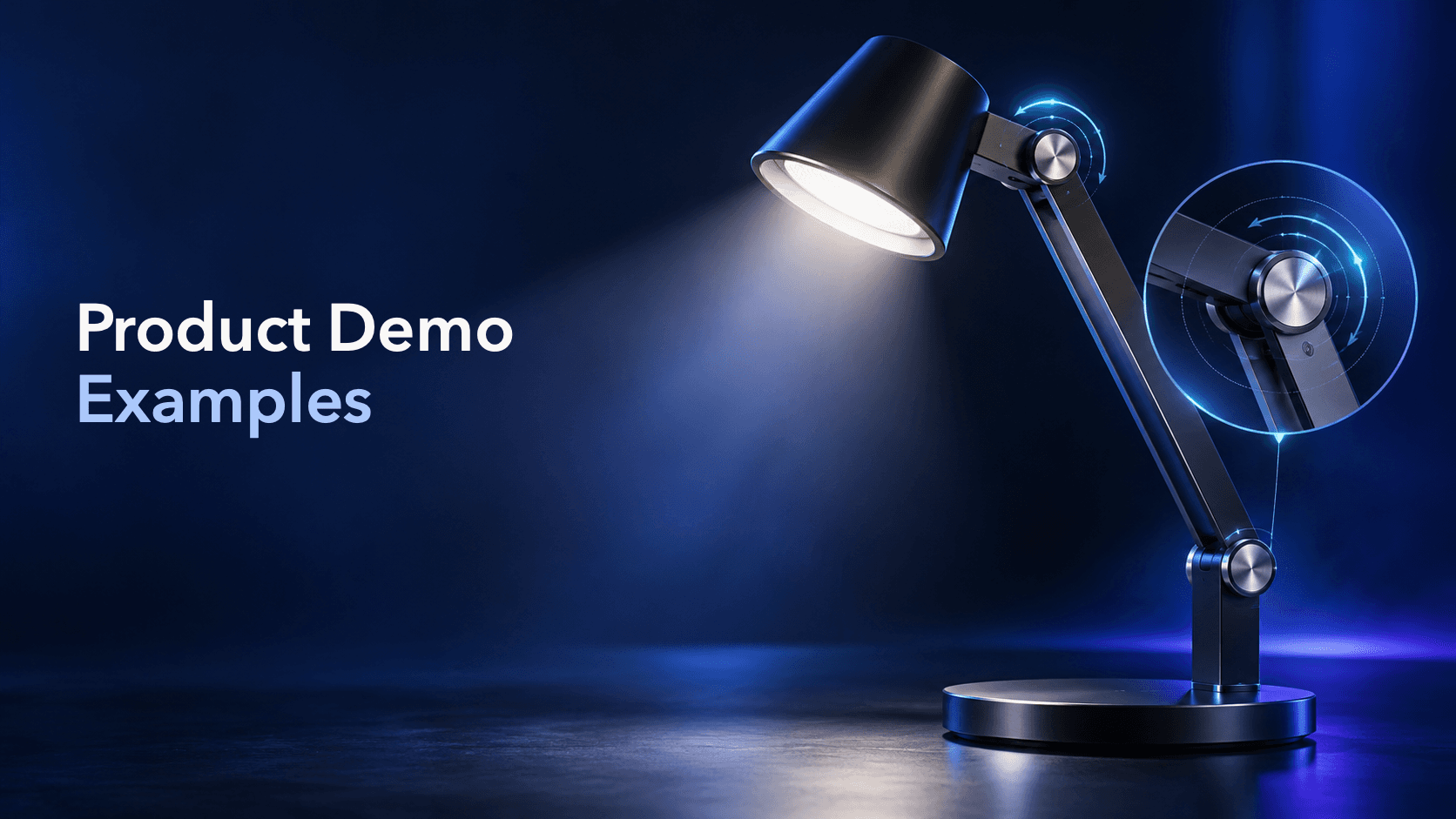
The best product demo video examples do more than show a product in attractive lighting. They answer a buyer question with a sequence the viewer can inspect: what is being set up, what the product does, what evidence is visible, and what the viewer should do next.
That makes a demo different from a product montage. A montage can create interest. A demonstration explains a mechanism, use case, feature, or limitation clearly enough for someone to evaluate it. The examples below are practical patterns to study and rebuild with your own product facts and footage. They are not promises that any format will guarantee clicks, conversions, or other performance outcomes.
A useful demo starts with one decision question. Can the buyer see how the product is assembled? Will a feature work in the situation they care about? What does the product include? How does it compare with another option?
Use this five-part structure to inspect an example:
The proof must remain proportional to what the video actually shows. A close-up can demonstrate a mechanism; it cannot prove that every customer will have the same experience.
This format opens on the product doing the action a buyer wants to understand. A clasp closes, a compartment expands, a brush changes shape, or an adjustable component moves into position.
Sequence: Product action → close-up of the mechanism → short explanation → next step.
Why it is useful: It removes a layer of abstraction. Instead of telling the viewer that a feature is easy to use, the video lets them see the relevant movement.
What to show: Keep the camera close enough to make the action legible. Include the hand or tool only when it helps establish scale or operation. If the mechanism requires a particular condition, show that condition rather than implying universal use.
Adaptation prompt: What product action would a buyer search for before purchasing? Start there, then write the shortest accurate explanation of what the action proves.
Some products are difficult to evaluate because the buyer does not know what happens between opening the package and using the product. A setup-to-first-use demo fills that gap.
Sequence: What is included → first setup step → product in use → one result the viewer can verify → CTA.
Why it is useful: The viewer can judge the workflow, not just the final product shot. This format is especially helpful when setup, assembly, or configuration is part of the buying decision.
What to show: Keep the contents and steps accurate. Use on-screen labels for parts or settings only when they match current product information. If setup takes time, edit for pace without removing a step that changes how the product works.
Adaptation prompt: List the first three actions a new customer must take. Build the demo around those actions and one clear question about the first use.
A close-up is more helpful when the viewer knows why the detail matters. Show the material, control, attachment, texture, or construction detail while the product is in the context where it is used.
Sequence: Buyer question → contextual product shot → feature close-up → explanation of the relevant benefit → next step.
Why it is useful: It connects a small visual detail to a practical reason to care. A zipper is not just a zipper; the relevant question might be how it opens with one hand or how it protects an item in a bag.
What to show: Use the close-up to answer one question, not to create a catalog of every component. Name the feature precisely and avoid turning a material or design detail into an unsupported durability or performance promise.
Adaptation prompt: Choose one feature that is easy to miss in a still image. Show it in the buyer situation where it changes the decision.
This format begins with a recognizable problem, then moves directly into the product action that addresses one part of it. A crowded cable drawer becomes the reason to demonstrate organization; a narrow shelf becomes the reason to show fit.
Sequence: Problem in context → product enters → relevant action → evidence and limit → CTA.
Why it is useful: The problem gives the demonstration a reason to exist. The product is not introduced as a list of features; it is introduced as a response to a specific buyer situation.
What to show: Keep the starting condition honest and repeatable. Show the mechanism between the before and after states. Do not let a tidy final frame imply broader outcomes such as guaranteed productivity, comfort, or satisfaction.
Adaptation prompt: Write the problem as a scene rather than a category slogan. Then identify the single product action that a viewer needs to see.
An objection-answer demo starts with the hesitation that could stop a purchase: “Will it fit?” “What does it include?” “How do I clean it?” or “Can I use it in this situation?”
Sequence: Objection on screen or in voiceover → answer through demonstration → relevant qualification → next step.
Why it is useful: It gives the creative a narrow job. Instead of claiming that a product is “better,” the video answers a question the buyer can evaluate.
What to show: Use real questions from support, reviews, sales conversations, or product research. Demonstrate the answer under stated conditions. If the answer depends on a size, setting, surface, or instruction, make that dependency visible.
Adaptation prompt: Collect five real objections. Pick the one your existing assets can answer most clearly, and write the demo around the evidence you actually have.
A comparison demo places two sizes, configurations, methods, or use cases beside each other. The value comes from making the comparison fair and relevant to the buyer’s choice.
Sequence: Choice question → matched setup → side-by-side action → differences that matter → CTA.
Why it is useful: The viewer can see how the options differ instead of reading a long feature list. A compact and larger version might be compared while packing for two different trip lengths.
What to show: State the basis of comparison: size, capacity, setup, included parts, or another current fact. Keep framing and conditions consistent. Avoid declaring one option universally best when the right choice depends on the use case.
Adaptation prompt: Identify the decision variable, then create two scenes where that variable is the only meaningful difference.
Tutorial demos teach the viewer how to complete one task with the product. They can be short, such as three steps for using an attachment, or longer when the product has a more involved workflow.
Sequence: Desired task → numbered steps → close-up at the critical action → finished state → next step.
Why it is useful: Instruction can be proof. If the viewer sees the correct process and the product behaving as described, they gain information that a feature list cannot provide.
What to show: Keep the order of operations accurate. Use captions or voiceover to clarify the step the viewer should notice. Do not remove a safety, care, or setup instruction simply to make the edit shorter.
Adaptation prompt: Turn one common support question into a three-step lesson. The final step should answer the original question rather than introduce a second topic.
A creator, founder, or customer can demonstrate a product in a natural setting while explaining a specific use case. The person adds context; the product action still carries the proof.
Sequence: Person and situation → product in use → specific observation or answer → product detail or limitation → CTA.
Why it is useful: A human context can help the viewer picture where the product fits. It is more useful when the speaker shows one task than when they deliver general praise.
What to show: Use genuine, permissioned evidence. Keep personal experience distinct from objective specifications. Do not invent comments, reviews, or customer outcomes, and do not use an unscripted style to bypass claims review.
Adaptation prompt: Give the speaker one buyer question, one approved product message, and one demonstration. Let the delivery feel natural while keeping the product facts stable.
Study the structure, not another brand’s protected execution. Keep your own product, footage, wording, characters, set, and design system. Change one meaningful variable at a time:
| Variable | Example change | Keep stable |
|---|---|---|
| Buyer question | Fit versus setup | Product facts and proof |
| Opening | Problem scene versus close-up action | Core demonstration |
| Context | Desk use versus travel use | Conditions and limitation |
| Proof | Measurement versus step-by-step use | Claim wording |
| CTA | “See the details” versus “Compare options” | Explanation before the close |
This gives the team original creative directions that are still easy to compare. For broader patterns across hooks, demonstrations, pacing, and CTAs, see video advertising examples. For a wider product-video format overview, see product video examples.
Before the demo enters a product-page or paid-social workflow, ask:
Platform guidance can inform production checks. TikTok’s Creative Codes describes a hook, body, and close structure, while Google’s YouTube guidance highlights showing people demonstrating products where that helps viewers picture usage. Treat those recommendations as inputs to review, not as guarantees of a particular result.
Once the product truth and buyer question are clear, Sprokl can help ecommerce teams generate creative angles, hooks, ad scripts, messaging frameworks, and video-ad variations from product assets and brand information.
Use creative angles to explore different demo questions, AI ad scripts to turn one question into scenes and copy, and video variations to organize alternative openings, contexts, or proof sequences for review. The ecommerce ads use case shows how those pieces fit into a broader production workflow.
Sprokl supports creative production. It does not replace product accuracy checks, brand judgment, claims review, campaign setup, or interpretation of performance data.
The strongest product demo video examples teach you what to inspect: the buyer question, the setup, the product action, the proof, the limitation, and the next step. Choose a format because it answers a real question, then rebuild it with your own product truth and assets.
That approach produces a useful library of original demonstrations instead of a swipe file of attractive videos with no clear learning objective.
Keep exploring
Make the next creative move
Build, test, and iterate on ecommerce ad creatives faster with AI-powered concepts, scripts, and variations.