
Ecommerce Marketing·Sep 24, 2026
Study ten practical video advertising examples by hook, message, demonstration, proof, pacing, and CTA, then adapt the underlying creative decisions to your ecommerce brand.
By Sprokl Team
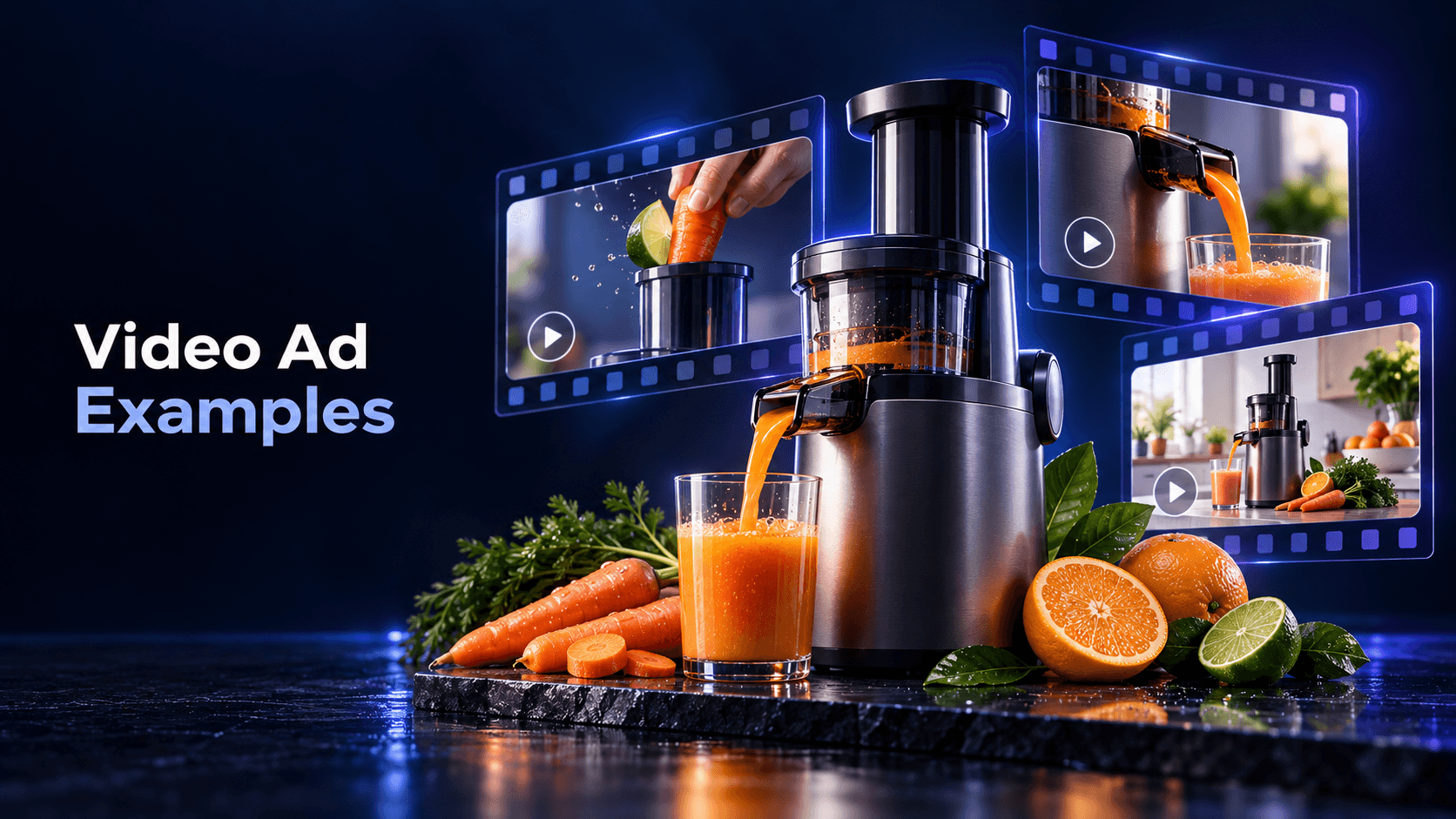
The most useful video advertising examples are not just videos to save in a swipe file. They are decisions you can inspect: what happens in the opening, which product message is repeated, what proof is visible, how the sequence moves, and what the viewer is asked to do next.
This guide breaks down ten hypothetical ecommerce video-ad patterns. The examples are deliberately generic so you can adapt the underlying structure to your own product, assets, and approved claims. They are not promises that a format will perform the same way for every brand.
Before asking whether an ad looks polished, watch it once with six questions in mind:
TikTok describes a similar hook-body-close structure for its creative. Google’s ABCD framework adds attention, branding, connection, and direction as useful review lenses for YouTube video ads. These frameworks are practical ways to inspect creative choices; they are not universal performance formulas. (TikTok Creative Codes; Google Ads Help: About the ABCDs of effective video ads)
The video opens on a recognizable situation: a crowded kitchen drawer, a bottle that does not fit in a bag pocket, or a desk covered in charging cables. The product enters as a concrete way to address one part of that problem.
Breakdown: The problem is the hook. The product action is the body. A clear product shot and “See how it works” close make the next step explicit.
What to adapt: Choose a problem your product can visibly address. Avoid turning a small product benefit into a claim that it solves every frustration in the category.
The first frame shows the product doing the thing a buyer wants to understand: a lid closing, a compartment opening, a fabric stretching, or a lamp changing position. The explanation follows the action instead of delaying it behind a logo animation.
Breakdown: The demonstration creates immediate relevance. Close-ups establish the product detail, and a short caption names the benefit without overcrowding the scene.
What to adapt: Start with the most legible product action you can prove. A visual demonstration is useful only when the shot is clear enough to inspect.
The video presents a “before,” shows the mechanism or workflow, and then presents an “after.” For example, a messy cable drawer becomes separated into labeled sections, or a plain product image becomes a finished creative direction.
Breakdown: The contrast is the hook. The mechanism is the body. The final state and CTA close the loop.
What to adapt: Keep the transformation proportional to the evidence. Show what changed in the scene; do not imply guaranteed revenue, productivity, or lifestyle outcomes that the footage cannot support.
The video begins with a buyer question such as “Will it fit in a narrow cabinet?” or “How does the clasp work with one hand?” It answers through a specific product demonstration rather than a long list of features.
Breakdown: The objection is an unusually focused hook. The answer becomes the message and proof at the same time. The CTA points to more details or the relevant product page.
What to adapt: Collect real questions from customer conversations, reviews, and support tickets, then choose questions your available assets can answer accurately.
The video places two product configurations or use cases beside each other: compact versus large, starter set versus expanded set, or desk use versus travel use. It helps the viewer understand the choice without declaring one option universally best.
Breakdown: The comparison frames the buyer decision. Product facts and context provide proof. The close invites the viewer to compare options.
What to adapt: Compare a real decision variable. Keep names, dimensions, pricing, and other factual details current and approved.
The video leads with a permitted customer quote, a specific product specification, or a visible demonstration. It then explains which buyer question that proof answers.
Breakdown: Proof earns attention when it is specific and credible. The body gives context so the quote or specification is not floating without meaning. The CTA invites the viewer to see the product or read more.
What to adapt: Use genuine, permissioned proof and preserve its meaning. “Customers love it” is not a substitute for a sourceable quote or observable evidence.
A person holds or uses the product in a natural setting, explains why they chose it, and walks through one relevant use case. The value comes from clarity and context, not from pretending that an unscripted style removes the need for claims review.
Breakdown: The person and situation create connection. The walkthrough supplies product explanation. A direct CTA tells the viewer where to learn more.
What to adapt: Give the creator one buyer question and one approved message. Avoid scripting unsupported superlatives or presenting invented personal experience as proof.
The founder, maker, or qualified team member explains why a product detail exists and demonstrates it in close-up. This works especially well when the product has a mechanism, material, or design choice that is hard to communicate with lifestyle footage alone.
Breakdown: The speaker gives the video a clear point of view. The close-up supplies proof. The CTA can invite the viewer to explore the product details.
What to adapt: Keep the explanation narrow. A credible voice still needs accurate product facts and a message that fits the available evidence.
Instead of presenting the product against a neutral background, the video places it in the environment where the buyer will use it: a commuter bag, a small bathroom, a kitchen counter, or an ecommerce team’s creative workflow.
Breakdown: Context makes the buyer question visible. The product action shows fit or use. The CTA points to the next stage in the decision.
What to adapt: Choose context for information, not decoration. If the scene does not clarify a use case, it may be adding production cost without adding understanding.
The video spends most of its time making the product and benefit clear, then finishes with a concrete offer or next action: view the product, compare sizes, see the full demonstration, or shop the collection.
Breakdown: The offer is not a replacement for explanation. The close works when the earlier beats have prepared the viewer for that action.
What to adapt: Match the CTA to the viewer’s knowledge. “See how it works” may fit an introduction; “Choose your size” may fit a comparison; “View the product” may fit a clear demonstration.
Studying an example does not mean copying another brand’s footage, wording, characters, layout, or protected creative expression. Rebuild the pattern with your own product truth and assets.
Start with one base direction, then vary one meaningful decision at a time:
| Variation | Change | Keep stable |
|---|---|---|
| Hook variation | Buyer question versus visible problem | Product proof and CTA |
| Context variation | Commute versus desk use case | Core product message |
| Proof variation | Demonstration first versus specification first | Audience and destination |
| Pace variation | Fewer, longer beats versus faster sequence | Product facts and claim wording |
| CTA variation | “See how it works” versus “View options” | The explanation before the close |
This makes the creative easier to review and gives the team a clearer learning question. For a broader controlled-variation process, see the creative testing framework. For the distinction between broad ad-creative components and these video-specific patterns, see ad creative.
Before handing a video ad to a testing or publishing workflow, check:
Google’s Creative guidance describes evaluating video ads against documented recommendations, which is a useful reminder to turn creative review into an explicit checklist. Meta’s Reels guidance also calls out vertical video, audio, safe-zone messages, and testing for that placement. Treat platform guidance as production input, not as a guarantee of a particular result. (Google Ads Help: About Creative guidance in Google Ads; Meta for Business: Instagram & Facebook Reels ads)
The examples above become useful when they lead to original, reviewable directions. Sprokl can help ecommerce teams move from product assets and brand information to creative angles, hooks, ad scripts, messaging frameworks, and video-ad variations.
Use creative angles to explore different buyer questions, AI ad scripts to turn a selected direction into scenes and copy, and video variations to organize multiple versions for review. The ecommerce ads use case shows how those pieces can fit into a broader production workflow.
Sprokl supports creative production; it does not replace product accuracy checks, brand judgment, claims review, campaign setup, or interpretation of performance data.
The best video advertising examples teach you what to observe. Look for the hook, the buyer question, the product moment, the proof, the pacing, and the CTA. Then adapt one pattern at a time with your own assets and approved product truth.
That approach produces a clearer library of original creative directions than collecting polished references without understanding their structure. It also gives ecommerce teams a practical path from an example to a script, a scene plan, and a small set of variations ready for human review.
Keep exploring
Make the next creative move
Build, test, and iterate on ecommerce ad creatives faster with AI-powered concepts, scripts, and variations.