Ecommerce Marketing·Aug 17, 2026
Learn how ecommerce teams can turn product features into clear video ads with better hooks, demos, proof, CTAs, and creative variations.
By Sprokl Team
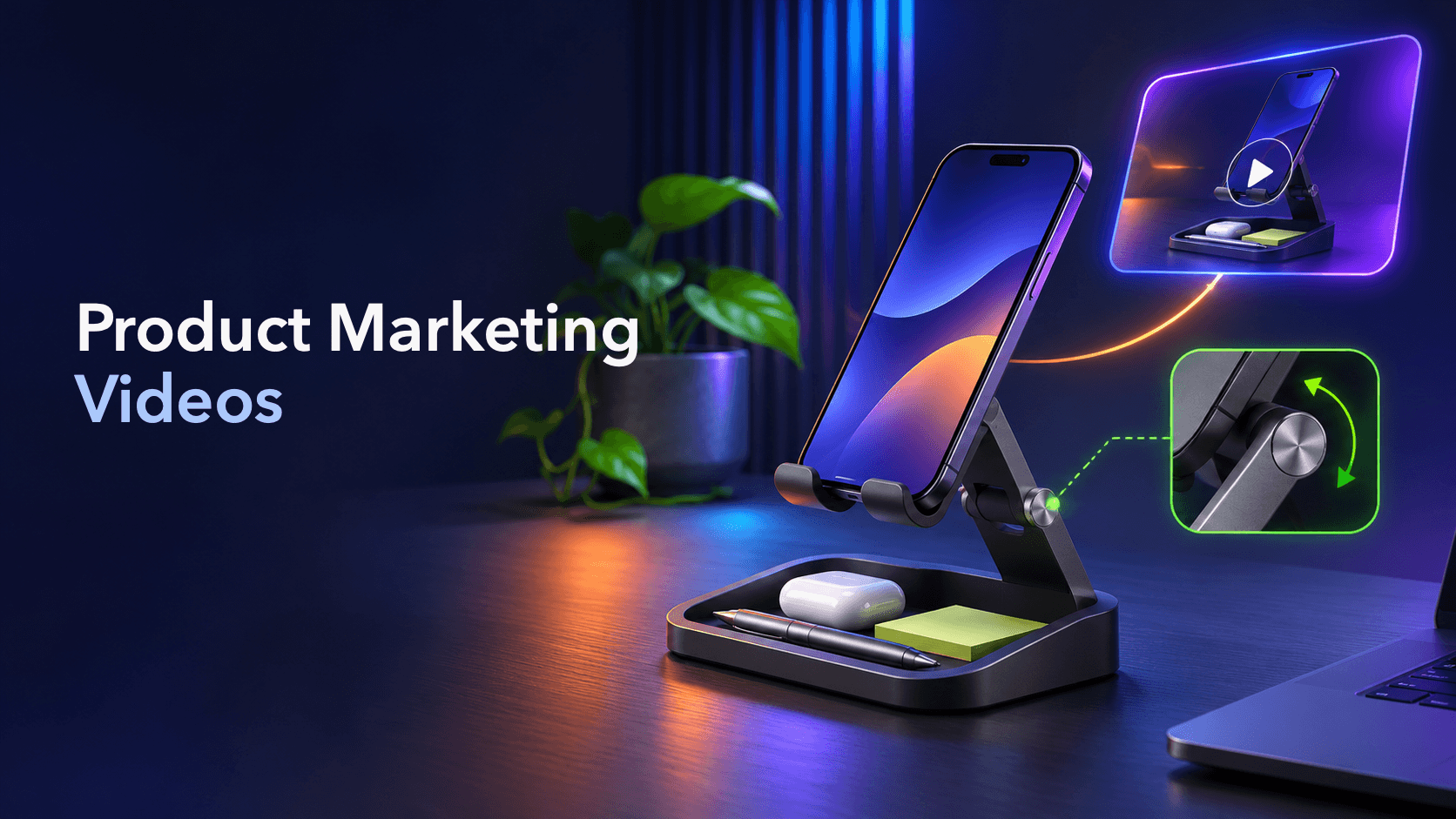
Product marketing videos do more than show a product looking polished. The useful ones help a shopper understand why a specific feature matters, see the product in a relevant situation, and decide what to do next.
For ecommerce teams, that makes product marketing video a creative decision before it becomes a production task. You need to choose the buyer problem, the feature worth showing, the benefit you can support, and the proof that belongs in the frame. Then you can turn that idea into an ad and create a few variations that each answer a different question.
This guide focuses on that feature-to-ad workflow. It is not a product-management guide, a brand-film brief, or a gallery of product video examples.
Product marketing videos are videos that connect a product’s capabilities to a customer’s decision. They can be used on product pages, in social content, or as paid ads. A product demo is one common format: it shows a product’s features, use cases, and benefits so shoppers can judge whether it fits their needs. (Shopify)
The word “marketing” matters because the video has a communication job. A feature list says what the product has. A marketing video explains why the viewer should care, how the feature works in context, and what action makes sense next.
The goal is not to put every feature into one edit. A focused video usually gives the viewer one clear reason to keep watching and one message to remember.
The easiest way to make a product marketing video vague is to start with the product catalog. “Our organizer has adjustable compartments, a non-slip base, and a charging slot” may be accurate, but it does not tell you which moment the ad should show.
Start with a buyer question instead:
Now choose the feature that can answer that question on camera. A charging slot can become a close-up of a phone placed in the slot while the user keeps the desk clear. An adjustable compartment can become a quick before-and-after reconfiguration. The feature is still present, but the ad gives it a job.
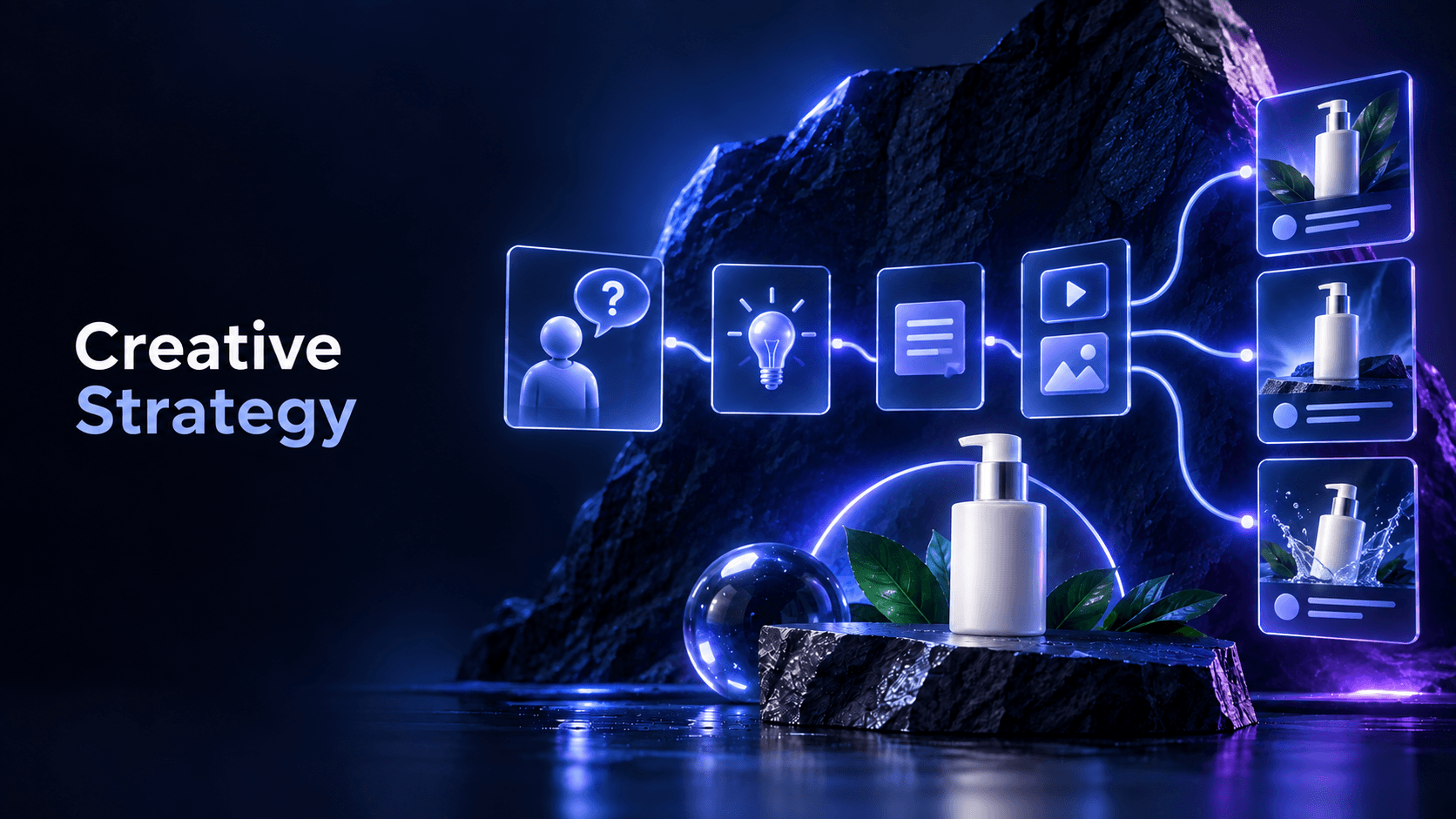
This is the same principle behind a useful creative strategy: define the customer problem and angle before deciding on the final format. A product marketing video becomes easier to script when the situation is observable.
A feature is a product fact. A benefit is the useful change that fact may create for a particular person in a particular situation. The translation should be specific, modest, and demonstrable.
| Feature | Weak marketing translation | Stronger video-ready translation |
|---|---|---|
| Adjustable compartments | “A smarter organizer” | “Reconfigure the storage when your daily tools change” |
| Quiet motor | “Powerful and silent” | “Show the product running while the surrounding scene stays undisturbed” |
| Two modes | “One product, endless possibilities” | “Switch between the two documented modes for two common use cases” |
Avoid upgrading a supported fact into an unsupported promise. “Helps keep a desk organized” is different from “guarantees a productive workspace.” “Shows the two documented modes” is safer than “works perfectly for everyone.” Product marketing videos are more credible when the benefit stays close to what the footage and product information can prove.
Many product marketing videos can use a simple hook-body-close structure. TikTok’s Creative Codes describes the same broad sequence: earn attention, convey the message, and finish with a clear call to action. Treat that as platform guidance, not a guarantee for every campaign. (TikTok Creative Codes)
Open with the problem, the result the viewer wants to see, a surprising product action, or a focused question. The first moment should carry information rather than making the viewer wait through a generic logo animation.
Examples:
The hook should not hide the product’s real job. Curiosity is useful only when the reveal answers the question the opening creates.
Use the body to show the feature in the situation that makes it relevant. Keep the sequence easy to follow:
This is where product footage, close-ups, screen recordings, captions, voice-over, or a short comparison can earn their place. Every shot should help answer the same buyer question. If a shot only adds polish, consider removing it.
The CTA should match the message and destination. “See the product in action,” “Compare the available sizes,” and “Learn how the feature works” are different next steps from “Buy now.” A product-page click should lead to a page that contains the same product information the ad introduced.
Google’s video advertising guidance similarly emphasizes the problem, product value, feature and benefit demonstration, and a specific CTA. It also recommends considering early attention and mobile-readable creative elements. Use those as a review checklist, not as a promise of performance. (Google TrueView for Action Playbook)
Proof is the part of the video that lets the viewer inspect the claim. Depending on the product, that may be:
The best proof format depends on the benefit. If the question is “How does it work?”, demonstrate the action. If the question is “Will it fit?”, show dimensions or a realistic context. If the question is “Why should I trust this?”, use accurate customer evidence rather than invented praise.
Shopify’s product-video guidance also groups hooks, clear messaging, useful information, and CTAs as core elements, and recommends using testimonials where they are available. (Shopify product video guide)
Keep proof honest. A single controlled demonstration can show what happened in that demonstration; it does not automatically prove every possible result in every environment.
Variation does not mean changing random colors, music, or captions while keeping the same creative hypothesis. A useful set changes one meaningful decision at a time so the team can understand what it is learning.
For one adjustable desk product, you might create:
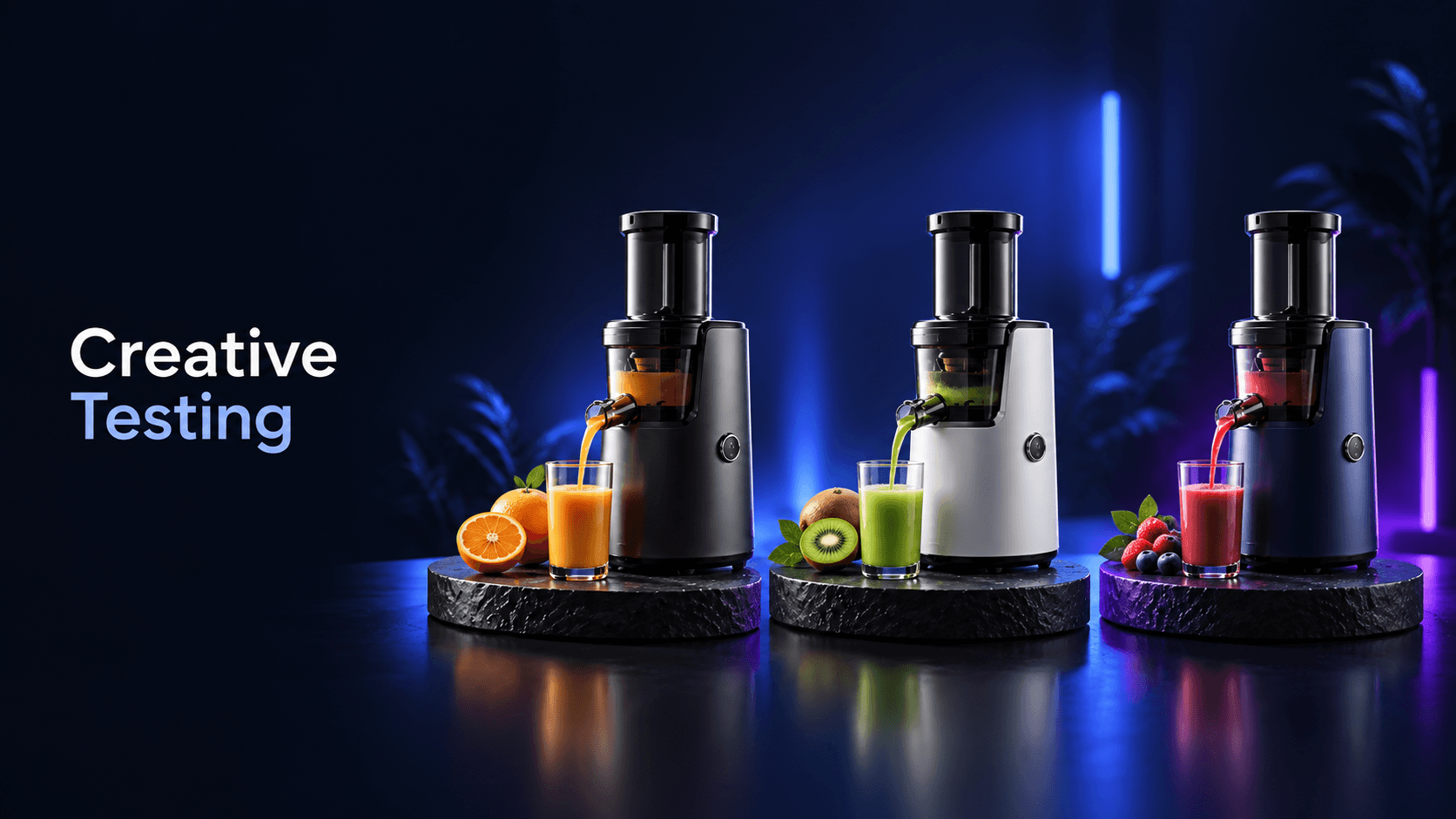
Keep the core product truth consistent. Change the hook, audience situation, proof order, or CTA deliberately. A creative testing framework can help you document the hypothesis and decide what to change after review.
Before filming or generating an edit, write a one-page brief with:
This is also the handoff point between product information and creative production. Sprokl can support ecommerce teams with creative angles, hooks, AI ad scripts, messaging frameworks, and video variations from product assets and brand information. The team still needs to check the product details, claims, captions, destination, and final edit.
Use a final checklist:
Product marketing videos do not need to promise a result to be useful. Their job is to make the product easier to understand and the creative decision easier to evaluate. Start with one buyer problem, choose one feature that can be shown, build a clear hook-body-close sequence, and create a small set of purposeful variations. That gives an ecommerce team a repeatable path from product information to reviewable ad creative.
Keep exploring
Make the next creative move
Build, test, and iterate on ecommerce ad creatives faster with AI-powered concepts, scripts, and variations.