Ecommerce Marketing·Nov 1, 2026
Learn how to use landing page video to explain a product, reduce buyer uncertainty, and connect a useful demonstration to a clear ecommerce next step.
By Sprokl Team
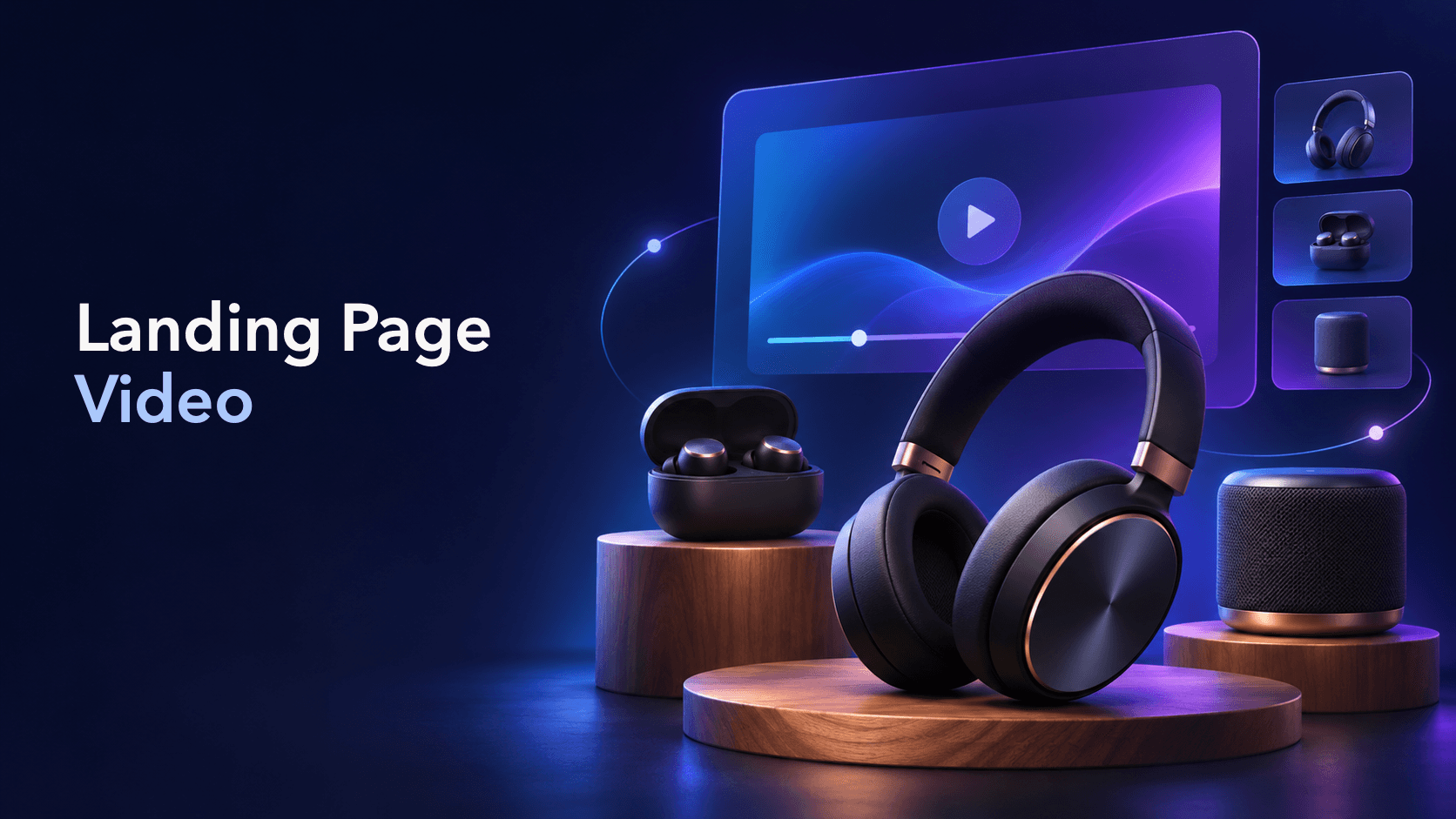
A landing page video should answer a buyer question that static copy or product photography has not answered clearly enough.
That might mean showing how a product works, making scale easier to judge, demonstrating a setup, or helping a shopper compare two use cases. The video is not the whole landing page. It is one decision-support layer inside a page that still needs a clear promise, useful proof, readable copy, and an obvious next step.
This guide explains how ecommerce teams can plan landing page video around the buyer’s decision, place it where it resolves uncertainty, and connect it to a practical product-page or checkout path.
Landing page video is video placed on an ecommerce landing page or product-focused campaign page to explain a product, use case, offer, or customer question. It can sit in a hero section, product gallery, feature section, comparison block, testimonial section, or a later proof section.
The important distinction is the job the video performs. A brand film may create atmosphere. A landing page video should help the visitor understand something that matters to their decision.
Shopify documents video as one of the product-media options merchants can add to product pages, alongside images and other media. That makes video a useful part of a product-information system, not a substitute for the rest of the page. (Shopify Help Center)
Before choosing a player, aspect ratio, or opening shot, write down the question the visitor needs answered.
Common questions include:
One video does not need to answer every question. In fact, a focused video is often easier to follow and easier to review. If the page has five different objections, plan five small evidence moments or a short sequence of videos rather than forcing every message into one long edit.
This is the same buyer-question principle used in product demo video examples: choose the question first, then choose the format that can show the answer.
Place the video next to the decision it helps the visitor make. There is no universal rule that every video must autoplay above the fold or that every product needs a full-screen hero film.
Use a short hero video when motion helps the visitor understand the product faster than a still image. The opening should show the product or the relevant situation quickly. Keep the headline and CTA readable beside or near the video, and make sure the page still communicates its value when the video is paused or blocked.
A product-gallery video can answer questions about movement, size, texture, setup, or use. The video should be labelled clearly enough that shoppers know what they are opening. Shopify’s product-page documentation also distinguishes ordinary video sections from shoppable video, where products can be tagged for direct shopping. (Shopify Help Center)
When a page makes a feature claim, place a short demonstration close to it. For example, a storage product can show a compartment being reconfigured; an audio product can show the case opening and the product being placed in context. The footage should make the stated feature easier to inspect, not imply a larger claim than the product evidence supports.
Comparison video works when the compared variables are visible and fair. Show the same use case, similar framing, and the specific difference the page describes. Avoid dramatic “before and after” language when the footage does not establish a controlled comparison.
Later-page video can support questions about setup, packaging, materials, customer experience, or a common objection. This is a good place for a short testimonial or creator-style explanation when permissions, disclosures, and claims have been reviewed. See customer testimonial video for the production side of customer proof.
A landing page video does not need a complicated storyline. A useful structure is:
The next step might be opening product details, choosing a variant, viewing the size guide, starting checkout, or comparing another option. It does not have to be an aggressive “buy now” in every placement. The CTA should match the stage of the page and the amount of information the visitor has received.
For a more production-oriented workflow, product video advertising covers planning, scripting, production, and iteration across product-video ads. For reusable shot lists, use product video templates.
Landing pages are often visited in a narrow viewport, so the video needs to survive mobile conditions rather than being designed only for a wide desktop hero.
Autoplay can be useful in some layouts, but it should not be the only way the visitor understands the page. A landing page should retain its message when the video is paused, muted, unavailable, or skipped.
The landing page and the video should make the same promise in the same language. If the headline says the product saves space but the video only shows a close-up of the packaging, the page creates a proof gap. If the video introduces a feature that the page never explains, the visitor has to reconstruct the buying case alone.
Create a small continuity check:
| Page element | Video should support |
|---|---|
| Headline | The main problem or benefit in the opening moments |
| Product image | The same product, variant, or context |
| Feature copy | A visible action or detail |
| Proof section | Evidence that is specific and permitted to use |
| CTA | A next step that follows naturally from the video |
This is also where claims review matters. “Shows the adjustable setting” is a concrete statement. “Creates the perfect setup” is a promise that may require evidence the page does not have. Keep the language close to what the product and footage can actually prove.
Video can support discovery, but adding a video does not guarantee a video result or a ranking improvement. Google recommends that videos be discoverable, indexable, and supported by a valid, stable thumbnail. It also notes that the watch page and the video itself need to be accessible to crawlers for video features. (Google Search Central)
For a page that includes meaningful video, review:
VideoObject structured data can communicate details such as the video name, description, thumbnail, upload date, duration, and content URL. Google describes structured data as a way to help it understand video information, not as a guarantee that a specific search feature will appear. (Google Search Central)
For a broader ecommerce discovery workflow, read ecommerce video SEO. Keep the technical metadata aligned with what the visitor can actually see on the page.
Once the page has one clear video, create variations that change one meaningful decision-support element at a time:
The goal is not to produce more exports without learning. Label each variation by its hypothesis and keep the page, offer, and destination stable enough that the result can be interpreted. Sprokl can help teams turn product assets and brand information into creative angles, hooks, scripts, and video-ad variations for review and testing. Human product, brand, legal, and claims review still belongs in the workflow.
After launch, use a defined creative testing framework to decide what to compare and what the result can reasonably tell you. Do not treat one lift or drop as proof that video itself caused every downstream change.
Before publishing, check:
The strongest landing page video is not necessarily the most cinematic asset. It is the one that makes a relevant product question easier to answer and leaves the visitor with a clear, credible next step.
If you are ready to turn product assets into a set of ecommerce creative directions and video variations, start with Sprokl.
Keep exploring
Make the next creative move
Build, test, and iterate on ecommerce ad creatives faster with AI-powered concepts, scripts, and variations.