Ecommerce Marketing·Sep 9, 2026
Learn how to plan product showcase videos that make appearance, material, packaging, scale, and real-world context easier to inspect.
By Sprokl Team
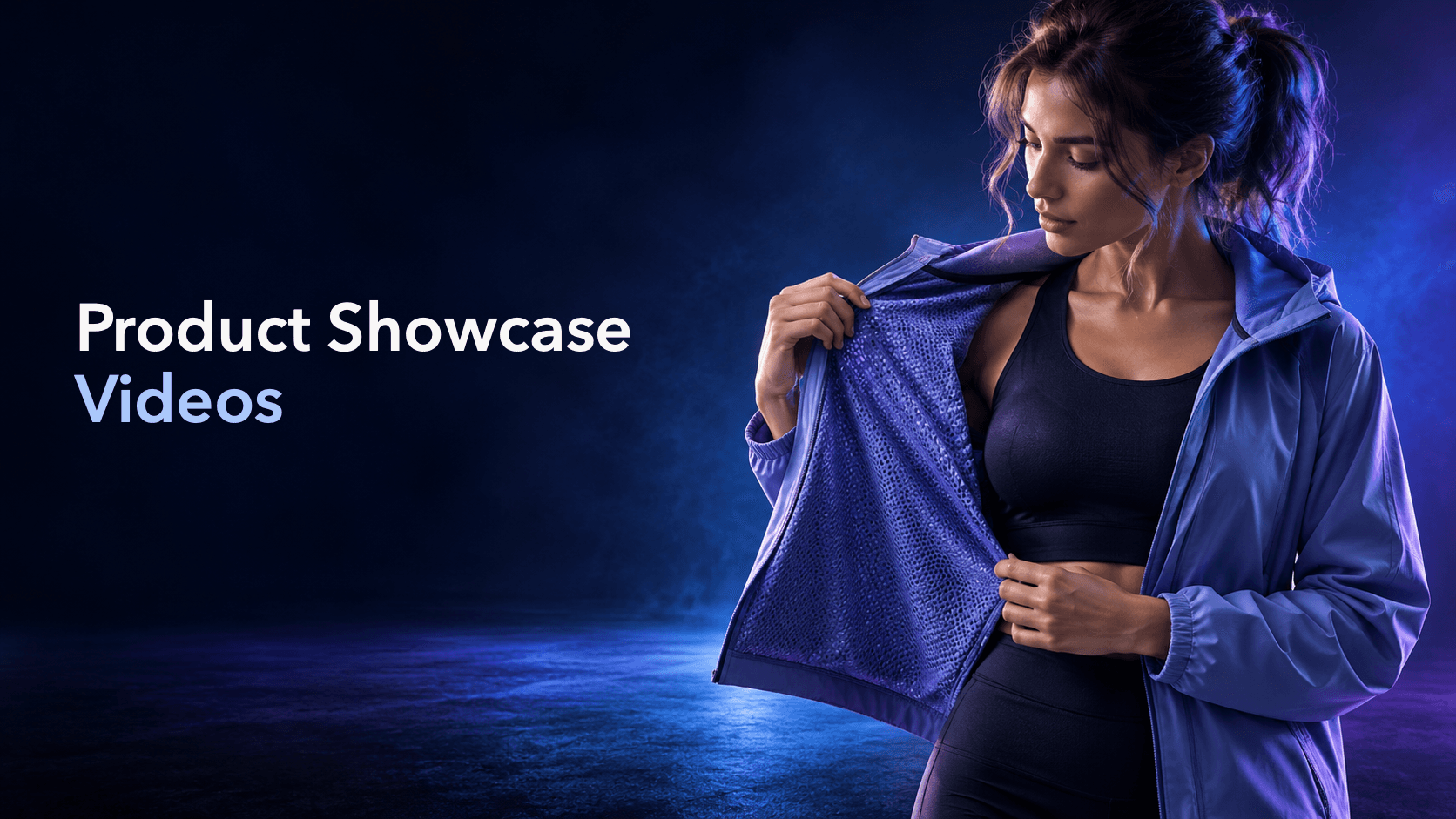
A product showcase video is built for visual inspection. Its job is to help someone see what the product looks like, how its material behaves, what arrives in the package, how large it is, or where it fits in real life.
That is narrower than a product demonstration and more useful than a generic beauty montage. A showcase should make the product easier to understand without asking the viewer to trust a sweeping promise. Google describes product video as a way to help shoppers evaluate details such as fit, texture, scale, and real-world function. TikTok’s creative guidance likewise points to clear product visuals, close-ups, unboxing, and product-in-use scenes as useful creative patterns.
Start with the uncertainty the viewer needs to resolve. A useful showcase usually gives one or more of these visual jobs a clear role:
The point is not to include every possible shot. It is to choose the smallest set of views that answers the viewer’s likely question.
Open on the product against a simple background, then move through two or three deliberate angles. This is useful when the main barrier is recognition: the viewer needs to understand the shape, finish, and overall design before any supporting message.
Keep the movement slow enough to preserve the outline. A rotating product can be attractive, but a fast spin may hide the very details the viewer came to inspect.
Use a macro or close shot to show a detail such as fabric weave, a matte coating, a brushed surface, a seam, or a clasp. Pair the close-up with one wider shot so the viewer knows where the detail sits on the product.
The close-up should be honest about what the camera can show. Avoid adding a texture claim that the footage cannot support, and avoid lighting that makes an ordinary finish look materially different from the item a customer will receive.
Show what a customer actually receives: the outer package, the product, included accessories, protective material, and the first visual impression. This can reduce uncertainty around contents and presentation.
Use an accurate contents list. If an accessory is sold separately or a package changes by region, say so in the brief and keep it out of the shot unless the relevant version is being shown.
Place the product beside a consistent reference: a hand, a person wearing it, a shelf, or a familiar household object. Scale references are especially useful for products where dimensions are hard to infer from an isolated image.
The reference should be ordinary and stable. A dramatic perspective can make an item look larger or smaller than it is, so keep the camera distance and framing consistent when the point is comparison.
Build a short sequence from front, side, top, underside, and detail views. This works for products with important edges, compartments, controls, closures, or finishes that disappear from a single hero angle.
Label the purpose of each shot in the internal brief, even if no on-screen text appears. “Show the pocket opening” is a stronger direction than “get more angles.”
Place the product in a believable environment: apparel on a person, a lamp on a desk, or a storage item on the shelf it is designed to organize. The context should explain placement and use without becoming a step-by-step tutorial.
Keep the environment subordinate. If props, styling, or camera movement become the main story, the viewer may remember the scene but still not understand the product.
Show multiple colors, sizes, finishes, or configurations when the choice itself is part of the buying decision. Keep the camera, light, distance, and background as consistent as possible so the viewer can compare the relevant difference.
Do not imply that one variant is universally better. A lineup should clarify choice, not manufacture a winner.
| Viewer uncertainty | Useful showcase evidence | Check before production |
|---|---|---|
| What does it look like? | Clean reveal and three-quarter angles | Color and finish match the approved product |
| What does the material feel like? | Macro detail plus a wider location shot | Lighting does not exaggerate or hide the surface |
| What arrives? | Packaging and contents sequence | Every included item is current and permissioned |
| How large is it? | Stable scale reference | Perspective does not distort the comparison |
| Which detail matters? | Focused angle sequence | Each close-up has a clear communication job |
| Where would I use it? | Product-in-context scene | The setting is believable and not misleading |
| Which version fits me? | Consistent variant lineup | Differences and specifications are accurate |
Once the core showcase is clear, make variations by changing one communication variable at a time. You might change the opening from a full reveal to a material close-up, move the scale reference earlier, or reorder the angles around a specific product detail.
That creates distinct creative directions without changing the underlying product facts. Keep the product, lighting conditions, and approved details stable while testing the presentation. A different edit is not automatically a different idea; the variation should answer a different question or make the same evidence easier to notice.
Sprokl can help ecommerce teams turn product assets and brand information into creative angles, hooks, scripts, messaging frameworks, and video variations for review. The team still checks product details, usage context, permissions, claims, and brand fit before using any output. For a broader workflow, see product video advertising. For formats organized around buyer questions, see product video examples. For the broader structure of a product ad, see product advertisement. If you are starting upstream, use the advertising creative brief template; when the direction is ready for production, explore the AI video ad generator.
Before approving a showcase direction, ask:
A product showcase video is a short visual presentation designed to make a product easier to inspect. It may show the product from several angles, reveal its material or finish, show packaging, establish scale, or place it in a relevant context.
A showcase prioritizes appearance, detail, and context. A demo prioritizes a sequence of actions that proves how something works. A single video can contain both, but the brief should identify which job comes first.
No. A person can provide a useful scale or context reference for apparel and other human-sized products, but a clean product reveal, macro shot, packaging sequence, or stable comparison may be more appropriate for another category.
Use enough shots to answer the chosen question clearly, not a fixed number. A focused showcase may need one reveal and two details; a product with important sides, compartments, or variants may need a longer sequence.
AI can help organize product inputs into creative directions, scripts, and variations. The resulting visuals and claims still need human review for product accuracy, permissions, brand fit, and what the source assets actually support.
A clear product showcase video does not need to promise an outcome. It needs to make the product easier to see, compare, and understand.
Keep exploring
Make the next creative move
Build, test, and iterate on ecommerce ad creatives faster with AI-powered concepts, scripts, and variations.